www.trilithic.com
Page IV-17
180 DSP Operation Manual
Signal Level Meter
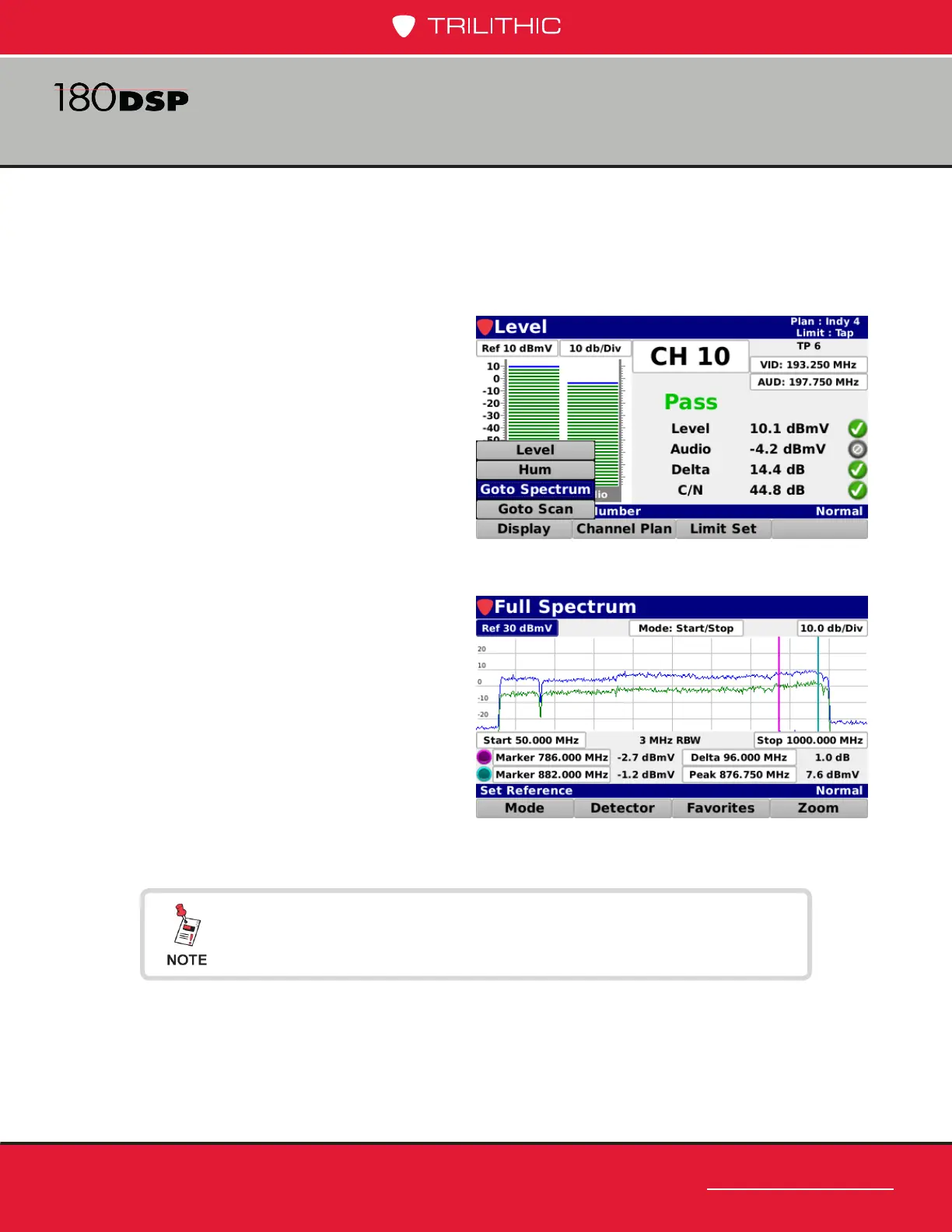
Go to Spectrum (OPTIONAL)
When the Forward Spectrum Analysis option is activated in a 180 DSP, the Go to
Spectrum feature provides the ability to go to the Forward Spectrum display directly
from the Level measurement screen.
Select the Goto Spectrum button
from the Display pop-up menu to
display the Full Spectrum screen.
The Full Spectrum screen provides
the ability to view raw spectrum traces
for the forward path from 5 to 1250
MHz with DSP spectrum snapshots
to give a view of any downstream
channels.
For more information on Forward Spectrum, see Chapter 4:
Spectrum Analysis, later in this section.


 To Next Page
 Loading...
