www.trilithic.com
Page IV-116
180 DSP Operation Manual
Signal Level Meter
Display Zoom
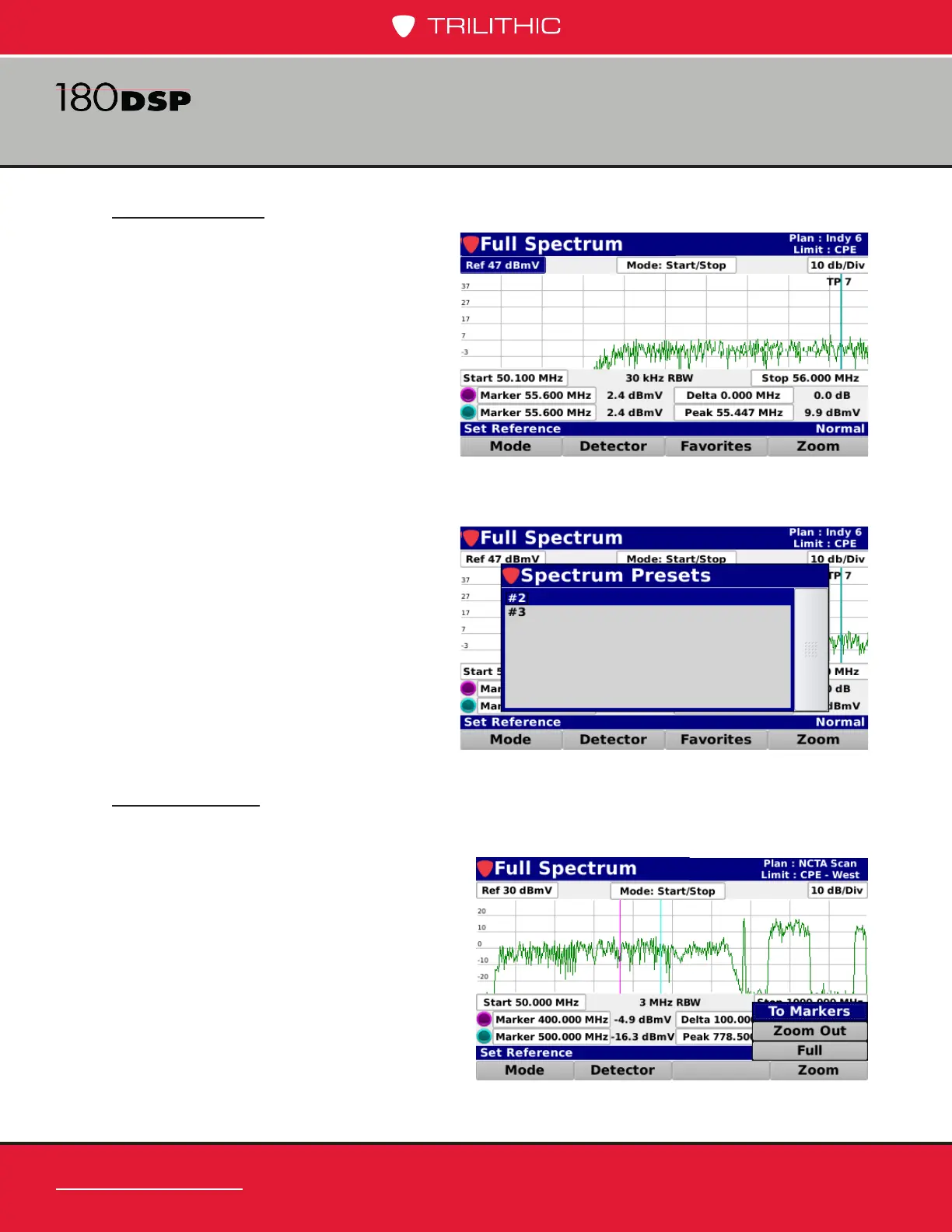
Select the Zoom softkey to choose from the following zoom options:
• To Markers – Changes the start
and stop frequency values to
match the currently displayed
marker frequency values.
• Zoom Out – This is used after
zooming to markers and returns
the start and stop frequencies to
their previously set values.
• Full – This is used to zoom out to
the full forward spectrum view of 5
to 1000 MHz or 5 to 1250, depending on RF board).
Load Favorite
Select the Favorites softkey to load a
forward spectrum favorite.
This softkey may only appear after you
save a favorite. See the Save Favorite
section later in this chapter for more
information.
The Spectrum Presets window will be
displayed as shown in the image to the
right. Choose the preset you want to
load.


 To Next Page
 Loading...

