www.trilithic.com
Page II-10
180 DSP Operation Manual
Signal Level Meter
Function Menu Options
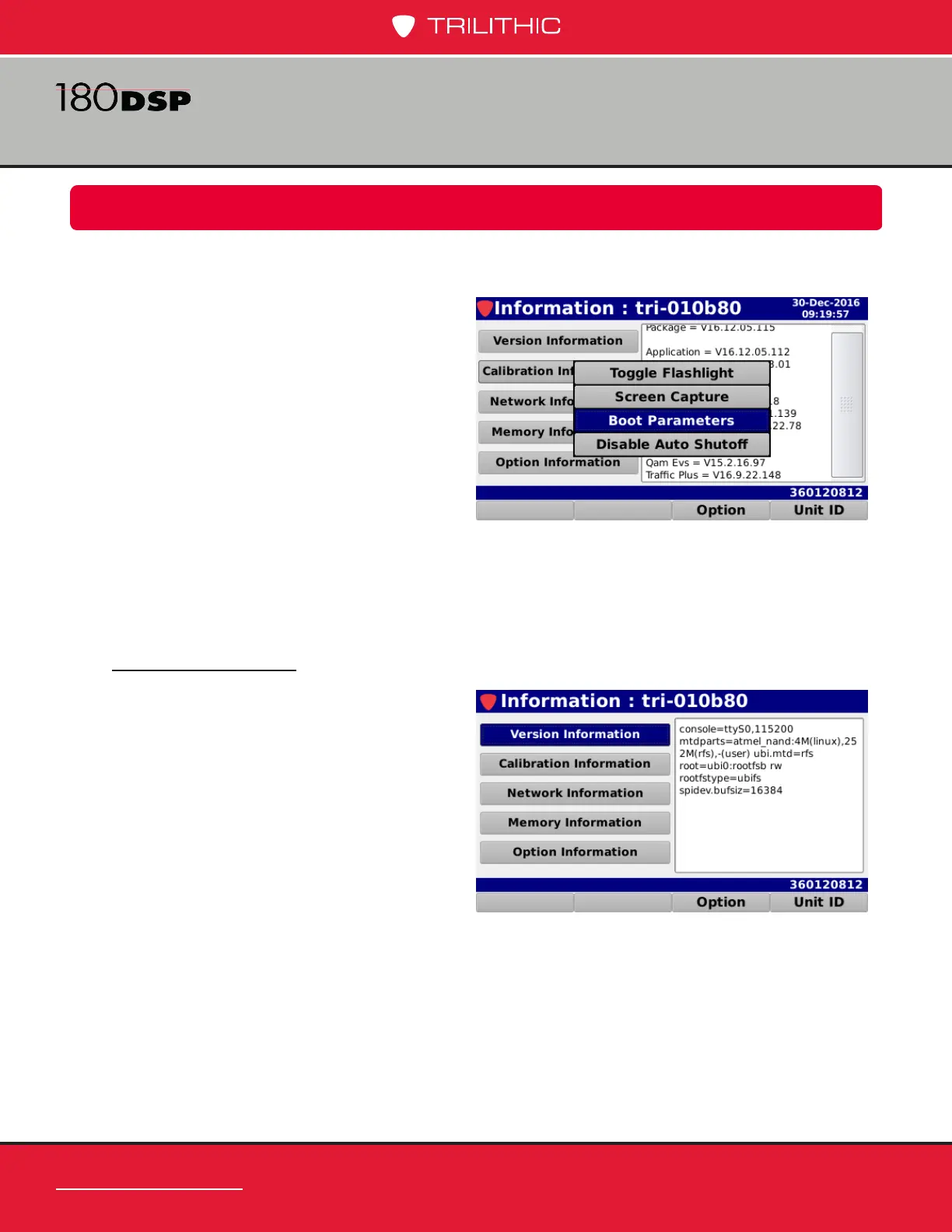
The Function menu can be accessed by pressing the Function button while in the Instrument
Information Mode.
The following Function menu options can
be accessed while in Instrument Information
Mode:
• Toggle Flashlight
• Screen Capture
• Boot Parameters
• Disable Auto Shutoff
The following functions are described in
Section I: The Basics, Chapter 4: Function Menu:
• Toggle Flashlight
• Screen Capture
Boot Parameters
Select the Boot Parameters button to
view the more information about the boot
parameters of the 180 DSP.
The boot parameters will be displayed in
the right side of the Information screen.
This information is used for advanced
troubleshooting by Trilithic technical
support.



 To Next Page