www.trilithic.com
Page IV-119
180 DSP Operation Manual
Signal Level Meter
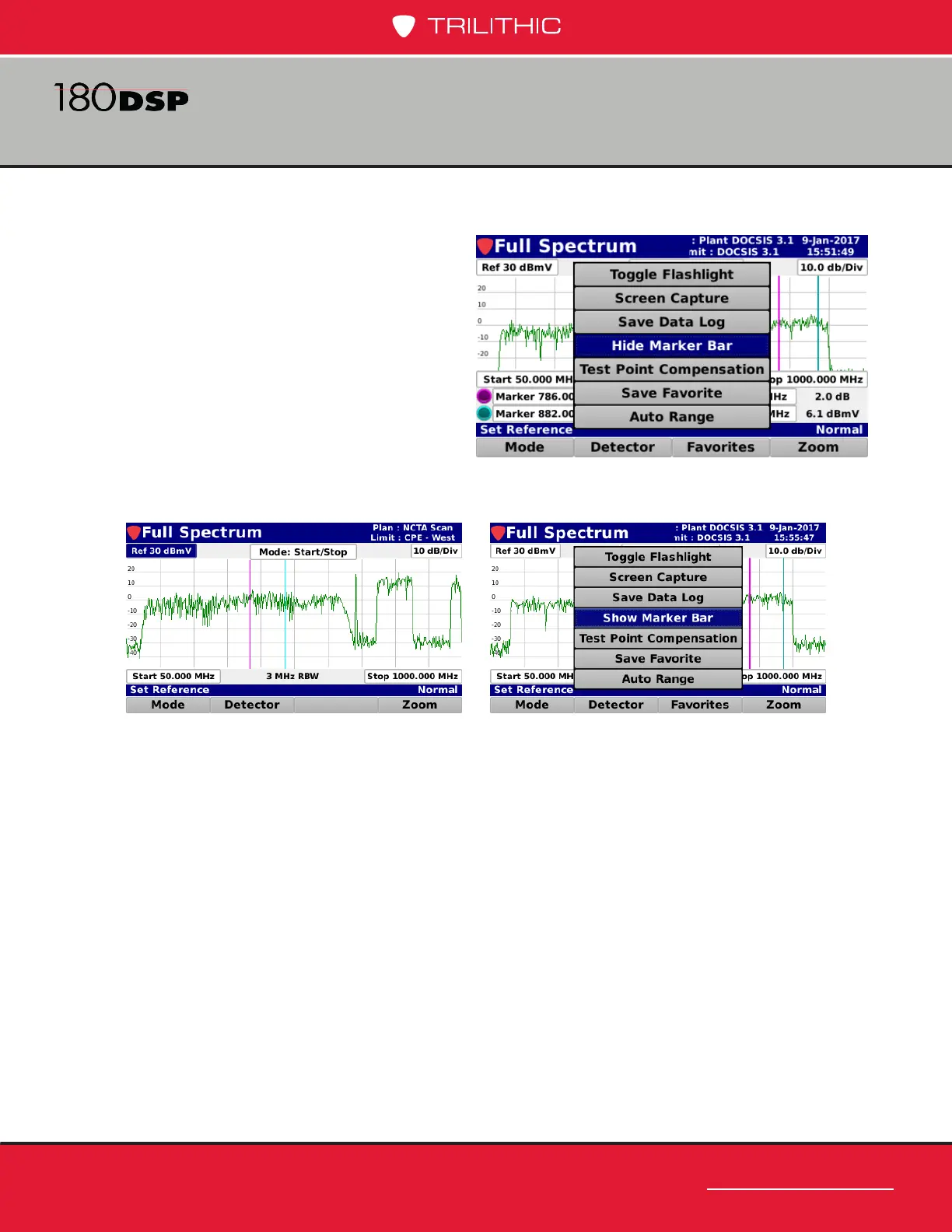
Hide Marker Bar
Select the Hide Marker Bar button
from the Function menu to hide the
marker bar at the bottom of the screen
and expand the measurement viewing
area.
When the marker bar is hidden, select
the Show Marker Bar button from the
Function menu to show the marker
bar.



 To Next Page
 Loading...
