3
Accessing Service Mode Menus
Description The Service Mode menus are accessed by opening the door and pressing
the direct selection buttons on the selection panel.
The Service Mode will automatically start in the Total Counter menu. This
will be shown on the display.
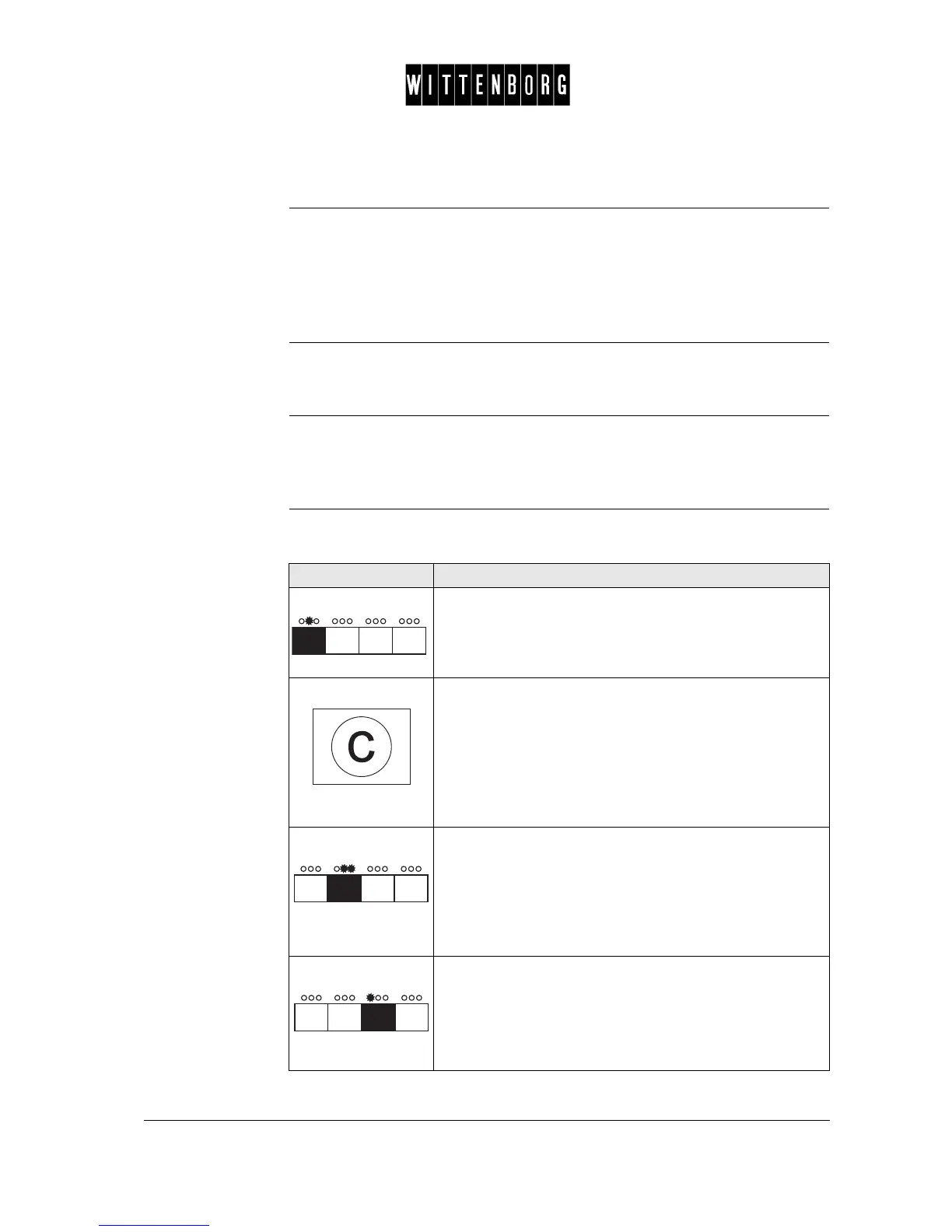
Selection buttons The four direct selection buttons found at the top of the selection panel are
used to access and activate the menus and their options.
Display The display shows which operation area the system is in and the value of
the setting. To simplify operation, the lamps above the buttons which can
be used, light up.
Button function The buttons have the same function in all menus. The function of the se-
lection buttons:
Button Function
The indicated button is used as a "down" button. This
button is used to move from one menu option to another
within a menu (eg to move from the Total Counter to the
Total Amount option in the Total Counter menu).
The "clear" button is used as an "up" button. This button is
used to move to the previous menu option eg to move from
"Period 1 stop" to "Period 1 start".
The "clear" button is also used to move from the first menu
option to the last menu option (eg to move from "Rinse" to
"Rinse brewer" or to move from "Machine setting" to
"Happy hour disc.".
The indicated button is used as an "arrow" button, stepping
to the right. This button is used to move from one main
menu to another and from a menu field to another menu
field within a menu option and from a menu option back to a
main menu (eg to move from the "Reset Counters" menu to
the "Reset +/-" menu and from the "Reset +/-" menu back to
the "Reset Counters" menu).
The indicated button is used as a "minus" button and when
pushed decreases the value.
Note: Pressing the button once decreases the value of the
setting one unit at a time. Keeping the button depressed
increases the setting speed



 To Next Page