19
Note: It is not necessary to calibrate ES temperature.
Operator setting The Operator Setting option is used to set limits for the operator’s staff, i.e.
the operator can define in percent to which extent his staff may perform
settings deviating from the settings already made in the service setting
menu.
This limitation can only be omitted if you know the appropriate password.
Operator setting
-Limits
4.
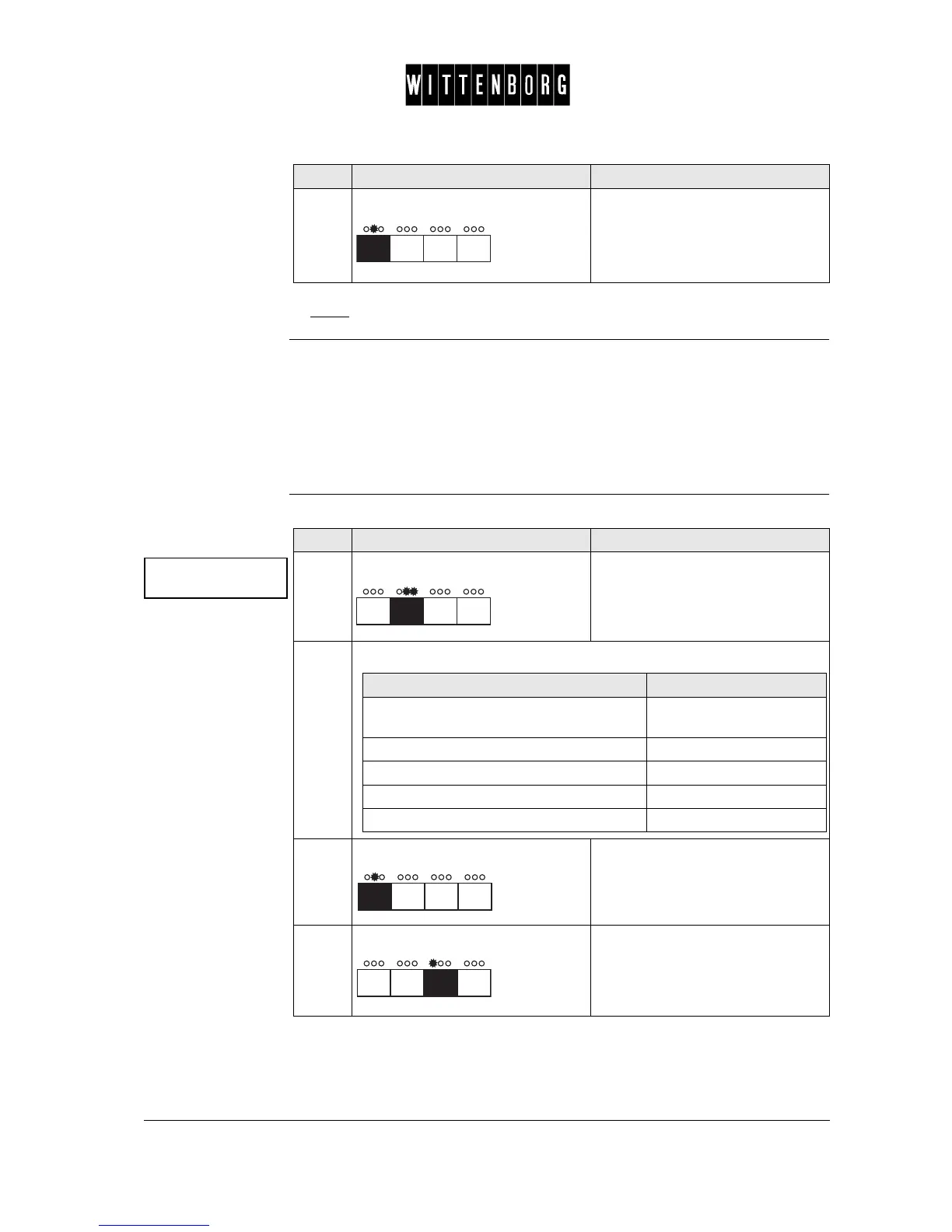
Press: Accesses the next function "Oper-
ator setting".
Step Action Function
Operator
setting ->
Step Action Function
1.
Press: Activates the Setting Limits option
(Limit powder is shown).
2.
From the above menu you have the following options:
3.
Press: Switches between
"limit powder",
"limit whipper", and
"limit valve"
4.
Press: Decreases the selected limit type.
If you want to select then go to step
a specific limit setting (powder, whipper or
valve)
3
decrease the limit type 4
increase the limit type 5
leave the decrease or increase option 6
access the next function 6-7



 To Next Page