30
Active Period This option is used to set periods of time when the machine is to be used
(eg during working hours). To set or change the periods, the clock function
must be "on". There are seven possible periods.
The previously set active periods are displayed.
Set or change the
active peri-
ods
Active period
Set periods ->
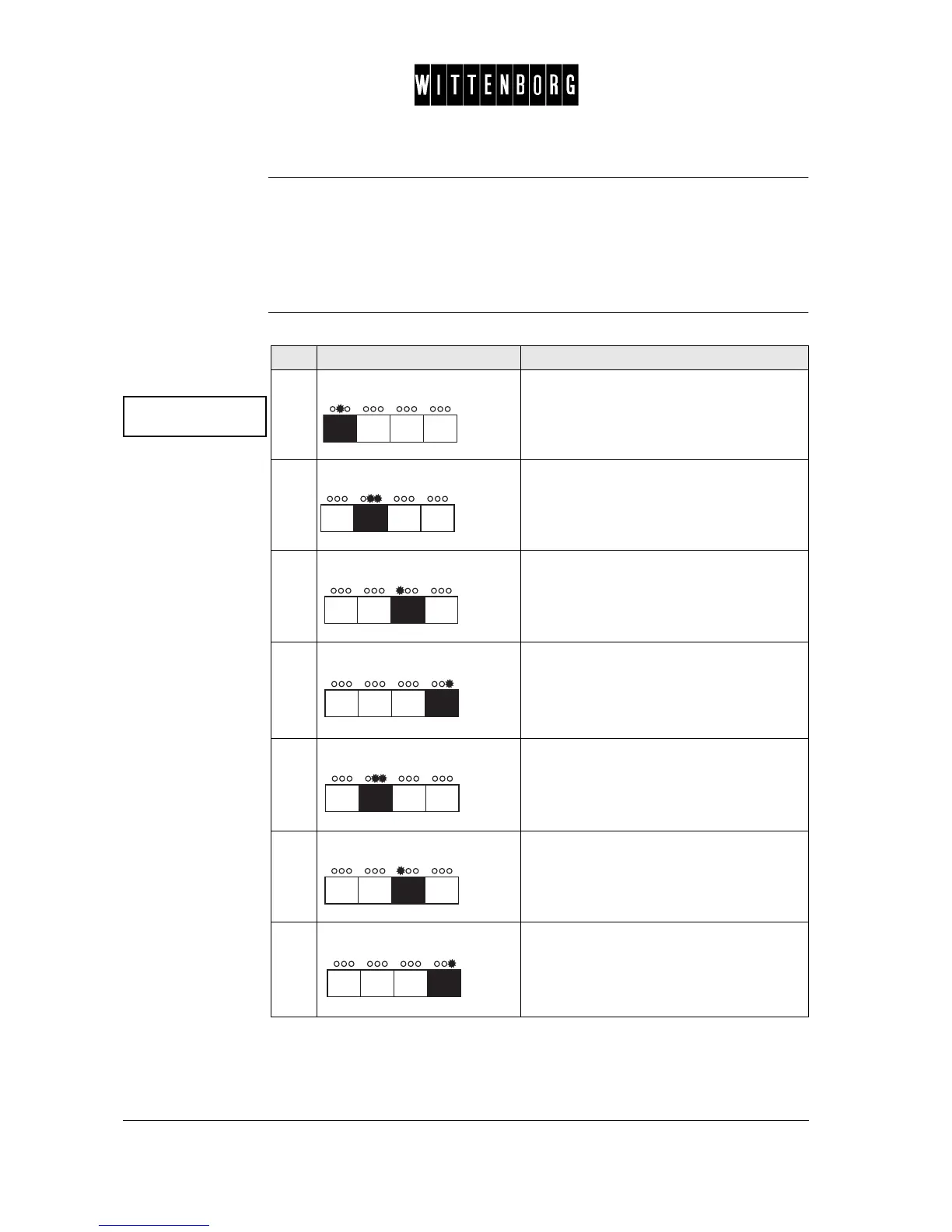
Step Action Function
1.
Press: Accesses the Active Period option.
2.
Press: Starts setting of the first period. (Display =
Period 1 start.)
3.
Press: Moves backward among the days.
4.
Press: Moves forward among the days.
Note: to set the Active Period for the same
time every day, the display should read ==
for the day.
5.
Press: Sets the time, starting with the hour.
The display will blink ## once and then
show the hour.
6.
Press: Decreases the hour.
7.
Press: Increases the hour.



 To Next Page