9
Replacing the poster (IN)
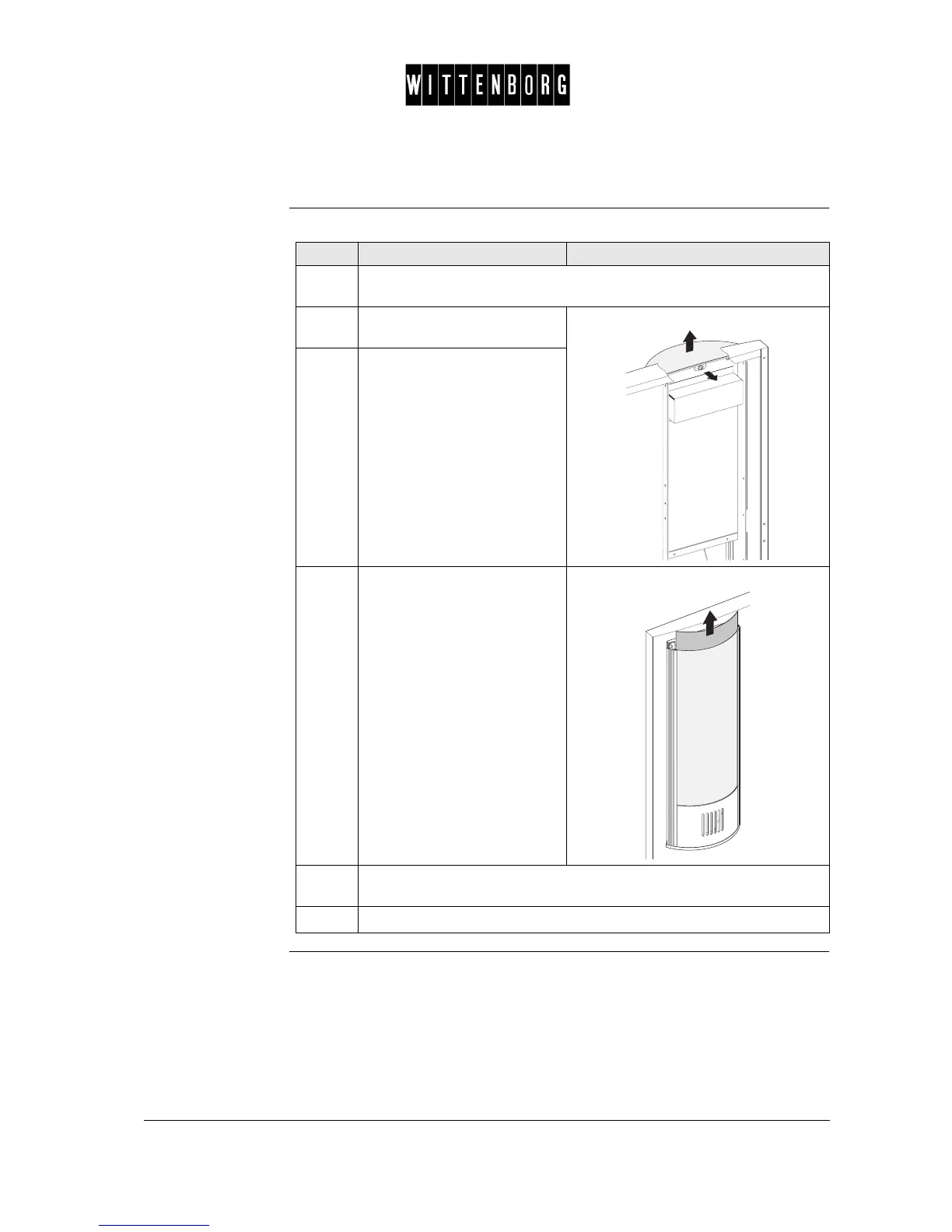
Replacement The procedure for replacing the poster is as follows:
Step Action Illustration
1.
Open the door, turn off the machine (main switch), unplug the power
supply plug and close the water cock.
2.
Loosen screw on the inside of
the door.
3.
Remove lid.
4.
Remove the poster by
pushing it upwards without
removing the outer plastic
cover and inner cover.
5.
Insert new poster by pushing it downwards between the outer plastic
cover and the inner cover.
6.
Remount the lid.



 To Next Page