27
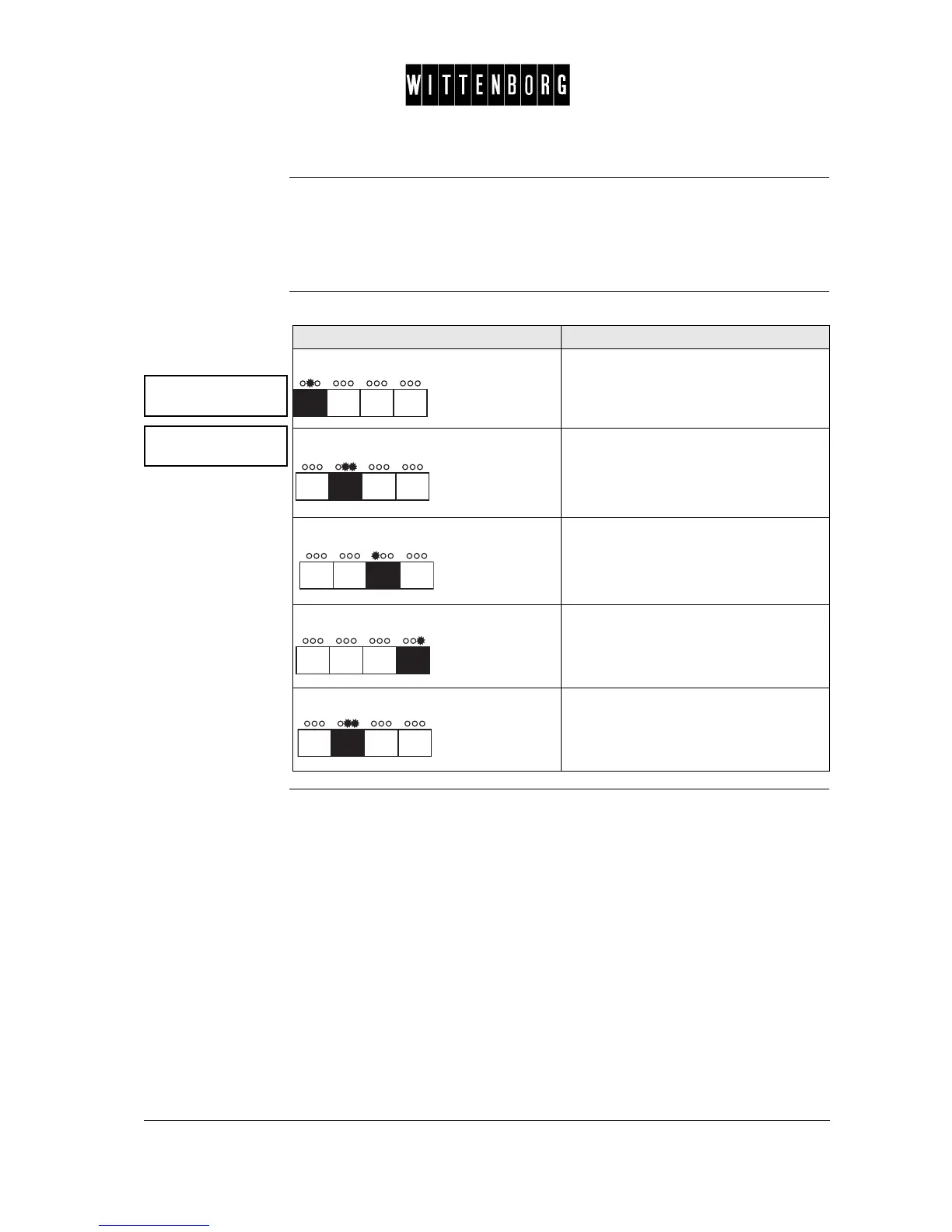
Clock Status This option i used to set the clock status to on or off.
The following clock functions can only be operated when the clock status
is set to on: clock, active period, happy hour, happy hour disc.
Activate/deacti-
vate the clock
function
Clock This option is used to set the date and time.
The display will show the date and time of day (year, month, date, day of
week, hour and minute. To set this option, the clock status must be "on".
Clock
Status : ON
Set clock mode:
xx
Action Function
Press: Accesses the clock status option.
Press: Activates the "clock status" function.
The display shows "set clock mode:
(on, off)".
Press: The "clock status" function changes to
OFF.The display shows "set clock
mode: off".
Press: Changes the "clock status" function to
ON.The display shows "set clock mode:
on".
Press: Returns to clock status option.



 To Next Page