32
Happy Hour This option is used to set periods during which drinks are to be sold in the
free vend mode. To set or change the periods, the clock function must be
"on". There are 7 possible periods.
During the Happy Hour a certain rolling text is shown on the display. The
rolling text can only be read in via the serial communication in VIDTS for-
mat.
Set or change the
happy hour peri-
ods
Happy hour
Set periods ->
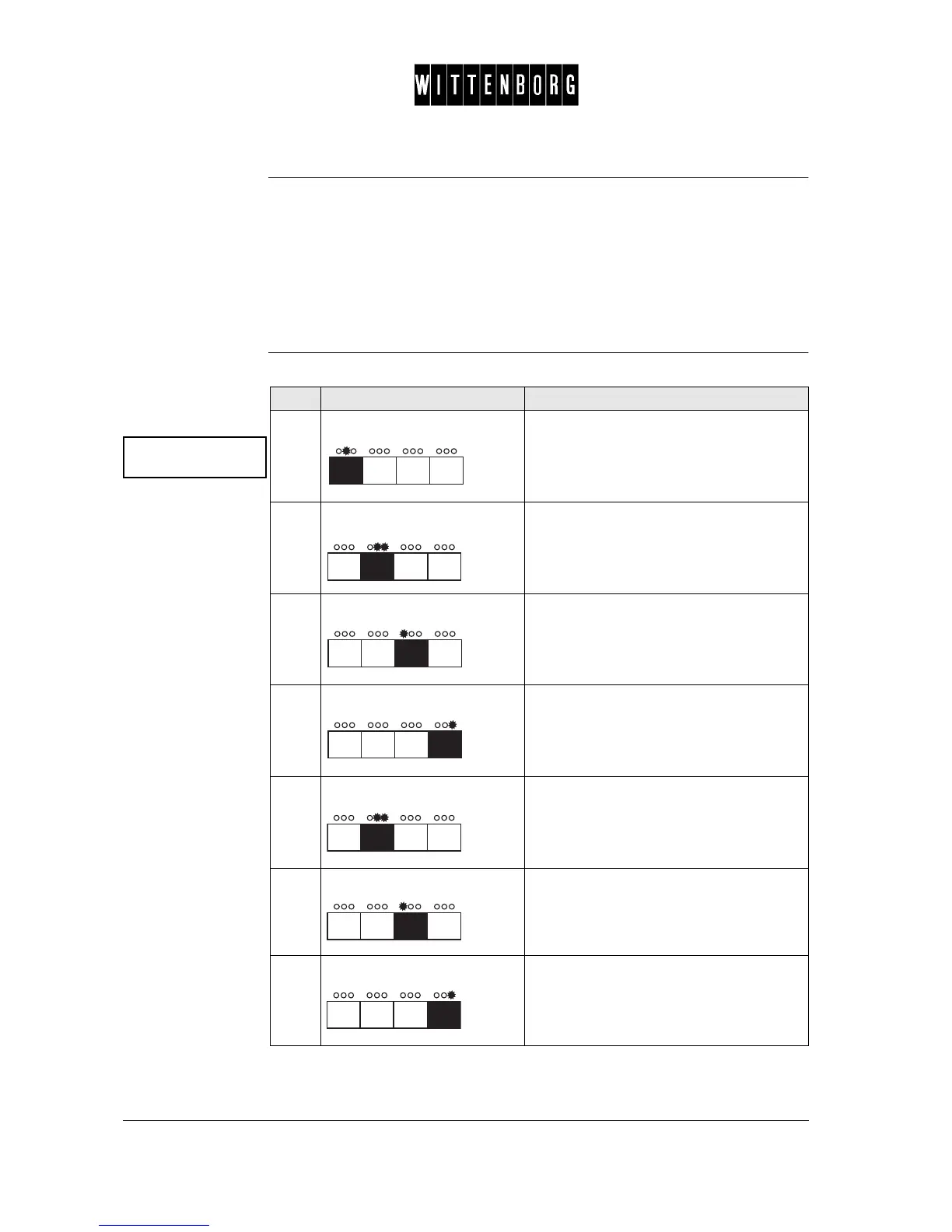
Step Action Function
1.
Press: Accesses the Happy Hour option.
2.
Press: Starts setting of one of the first period.
(Display = Period 1 start.)
3.
Press: Moves backward among the days.
4.
Press: Moves forward among the days. Note: to
set the Happy Hour period for the same
time every day, the display should read ==
for the day.
5.
Press: Sets the time, starting with the hour. The
display will blink ## once and then show
the hour.
6.
Press: Decreases the hour.
7.
Press: Increases the hour.



 To Next Page