21
Quantities option This option is used to set the options of a drink - i.e. water and ingredients,
to set topstop time in connection with FBor ES drinks, cold water injection
in connection with IN drinks in ES-machines, beep delay, and finally to
test the selected drink.
Note: All drinks do not necessarily include all options.
Note: This option is only functioning if the machine is ready for a vend,
i.e. no errors in dispensing or payment have occurred since the machine
was put into service mode.
The ingredient quantities can be defined as follows:
Note: If very large water quantities are defined, then the dispensed water
volume may be less than the defined water quantity. This is because the
water pressure (flow) is lowered, while the water level in the water tank is
getting lower.
Setting quantities
(FB/IN-Machines
only)
Ingredients 0.1 - 99.9 g
Water 1 - 999 ml
Whipper 0.1 - 99.9 sec
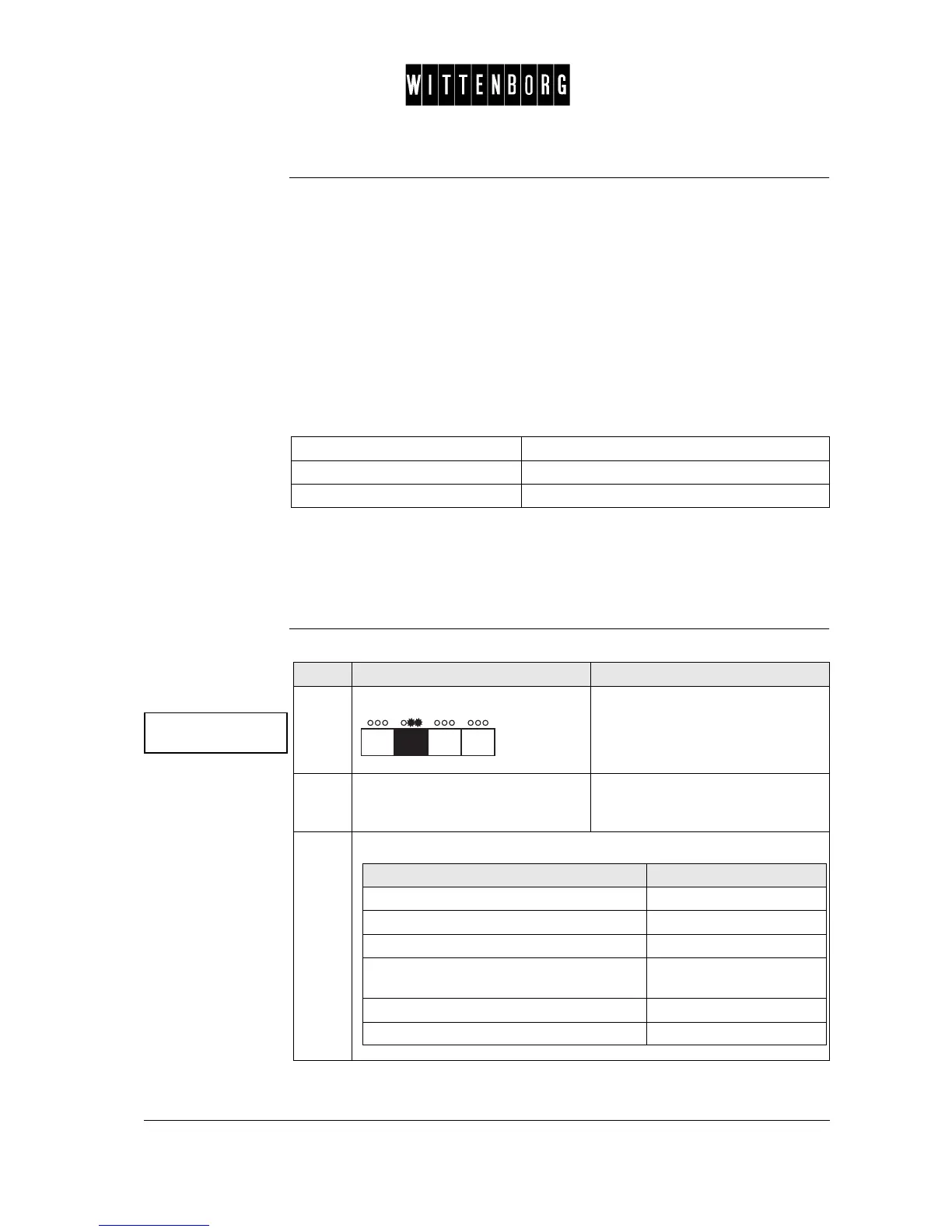
Step Action Function
1.
Press: The display reads "Press Selec-
tion".
2.
Press the selection button of the
drink, for which the ingredients are
to be set.
The display reads first component.
3.
From the above menu you have the following options:
If you want to select then go to step
to select a specific drinks option 4
to enter the specific drinks option: 5
decrease the quantity or value 6
increase the quantity or value or in "Test
drink" to activate the test.
7
return to the Quantities option. 8
access the next function 9 and 10



 To Next Page