24
Setting cup
sensor
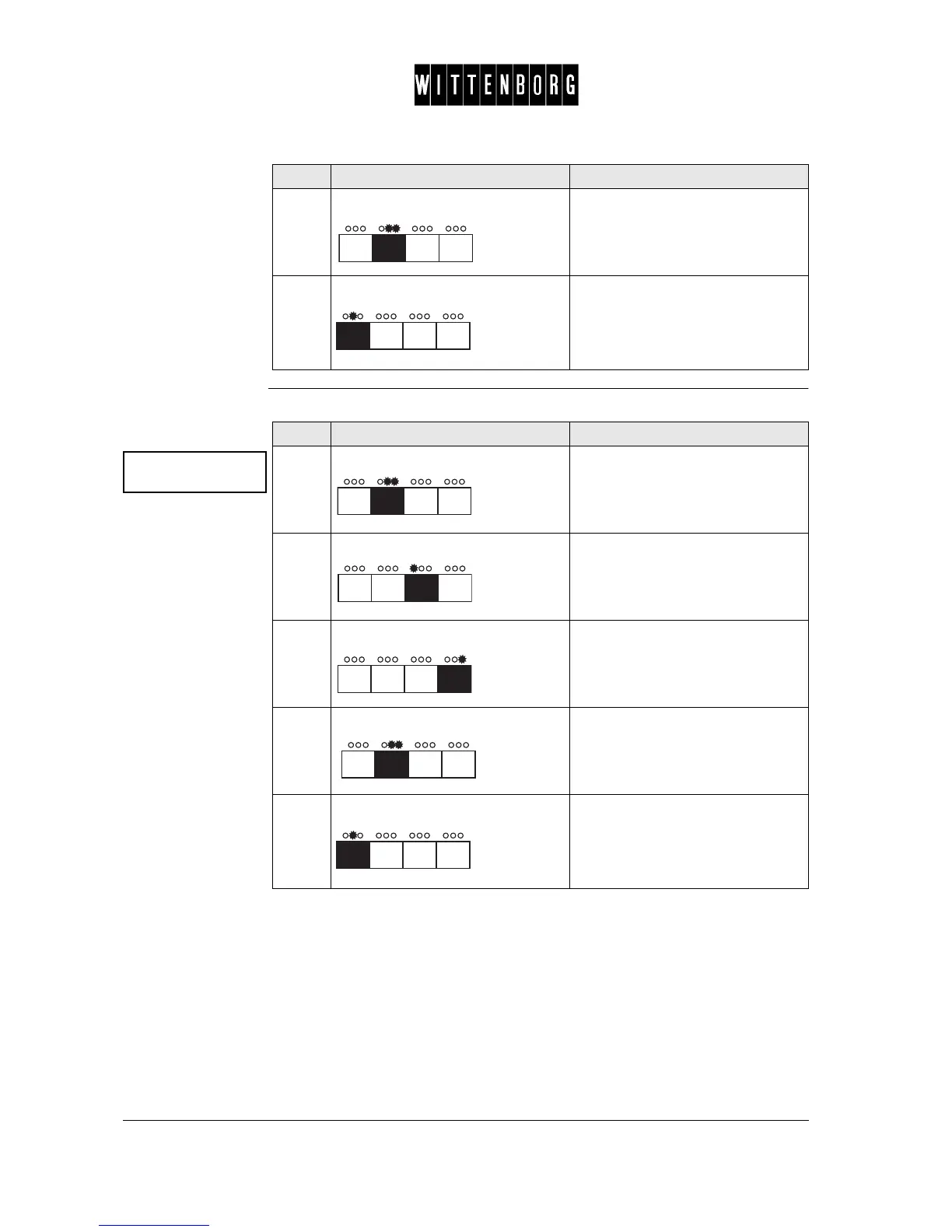
This option is used to set the Cup Sensor to ON or OFF.
6.
Press: Returns to the Boiler setting option.
7.
Press: Accesses the next function "Cup
sensor Status".
Step Action Function
Cup sensor
Status : ON
Step Action Function
1.
Press: Activates the Cup Sensor setting
option.
2.
Press: Turns the status to "off".
3.
Press: Turns the status to "on".
4.
Press: Returns to the Cup Sensor Status.
5.
Press: Accesses the next function "Set-
ting payment" .



 To Next Page