9
Change
password
This option is used to set a new password.
Default password To ensure that you can always enter the system, even if the password has
been changed, a default password exists which is 5101.
Product
counter
The Product Counter option is used to retrieve data regarding the quantities
of powder and water dispensed. There are four powder options.
Change password
->
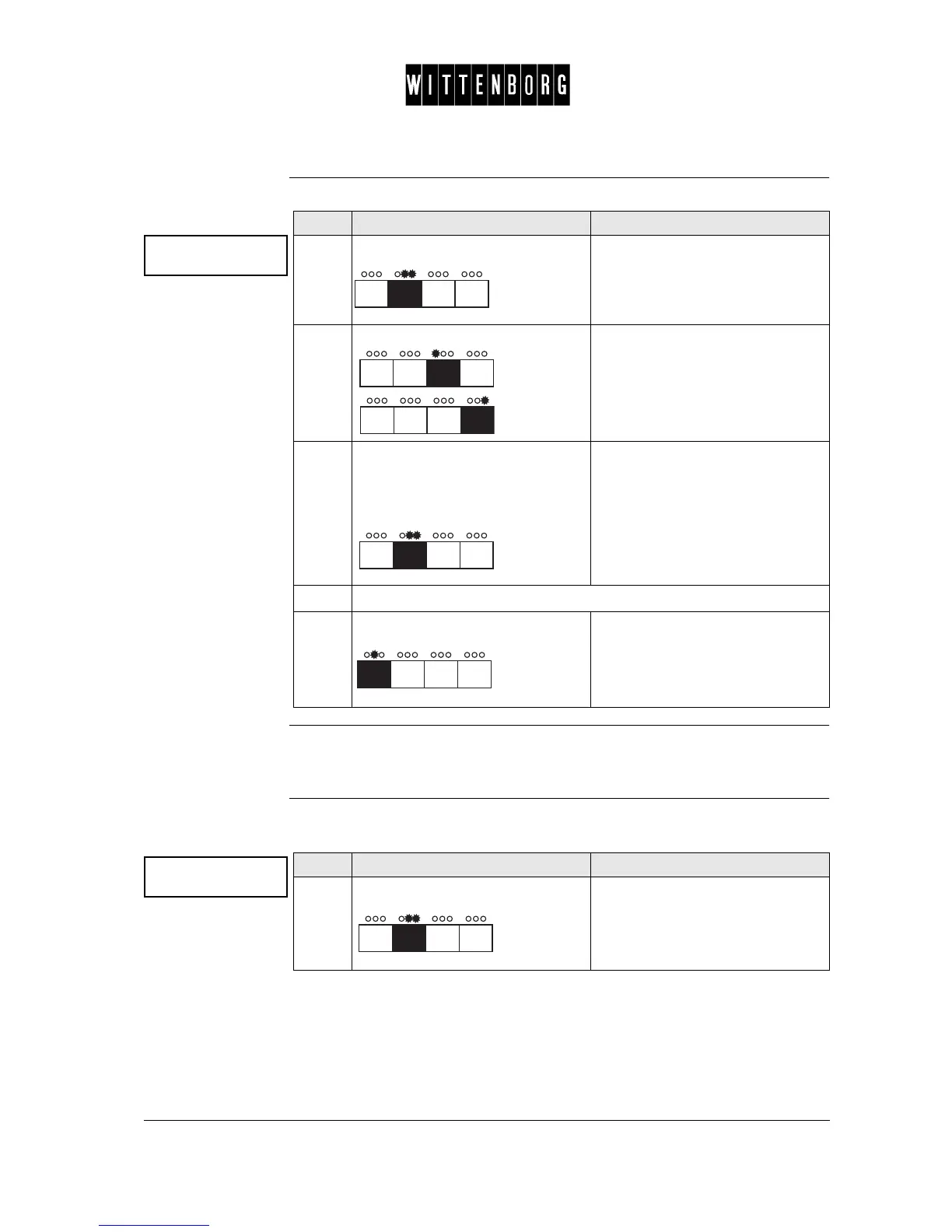
Step Action Function
1.
Press: Activates the New Password
option.
2.
Press: Sets the character.
3.
Press the indicated button to go to
the next character or after the
fourth character to go to the next
field.
Sets the new password. The dis-
play will blink # in the position of
the character to be changed.
4.
Repeat steps 2 and 3 until all characters are set.
5.
Press: Accesses the next function "Prod-
uct counter".
Product counter
->
Step Action Function
1.
Press: Activates Product Counter option.
The display will show the quantity
of powder dispensed for powder 1.
The quantity will be displayed in
grams.



 To Next Page