37
Keyboard Inhibit
Setting
Activates or deactivates the possible keypad/board of a coin unit.
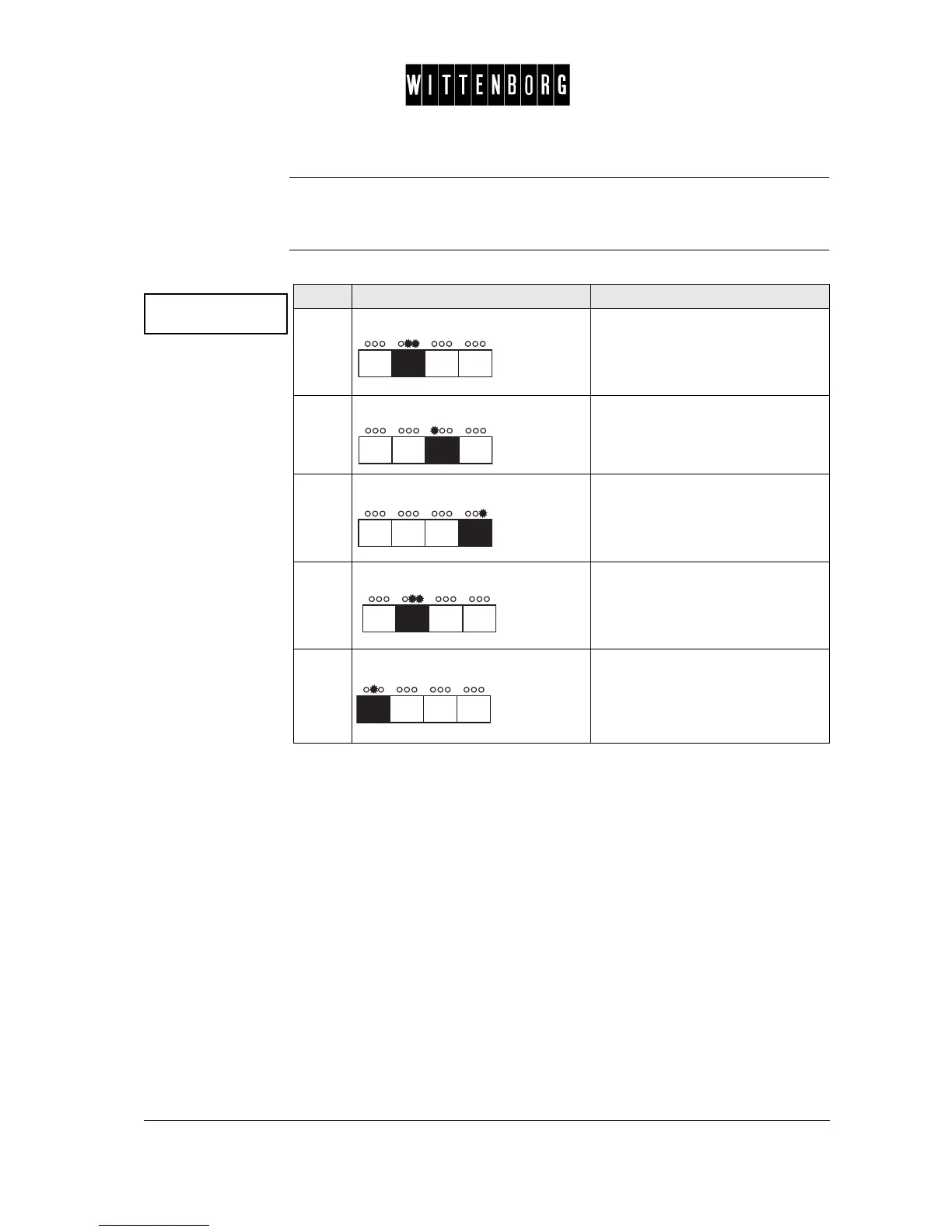
Keyboard Inhibit This option is used to set the Keyboard inhibit:
Keyboard inhibit
Status: OFF
Step Action Function
1.
Press: Activates the Keyboard inhibit
option.
2.
Press: Turns the status to "off"..
3.
Press: Turns the status to "on".
4.
Press: Returns to the Keyboard inhibit
option.
5.
Press: Returns to the "Product counter".



 To Next Page