23
Boiler Setting
Option
The Boiler setting option is used to set the various functions of the water
tank, i.e. nominal temperature, temperature lock, temperature unlock and
energy saving temperature.
Default
temperatures
The default temperatures are as follows:
FB: 94°
IN: 80°
ES: 96°
The above temperatures are recommended.
Setting boiler
Boiler
->
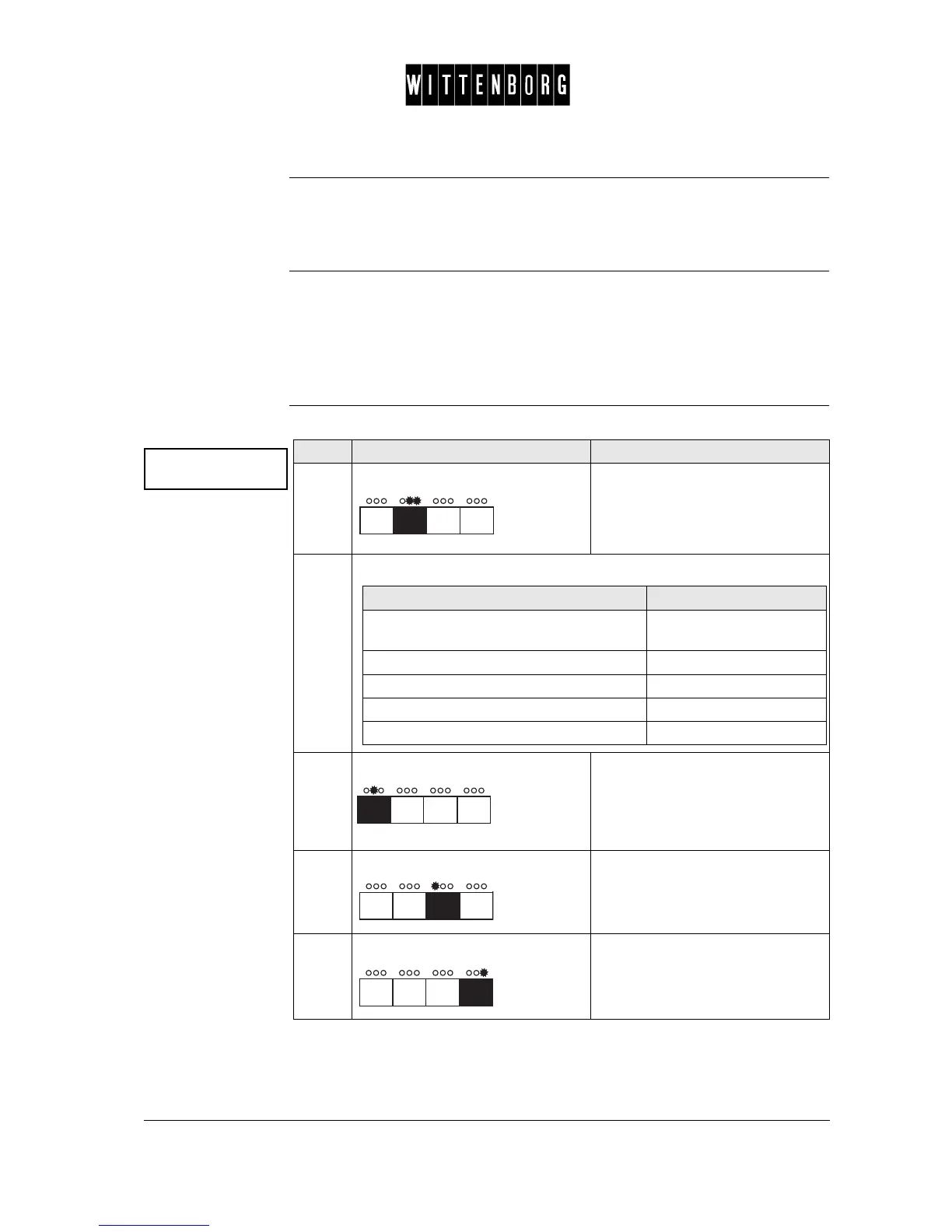
Step Action Function
1.
Press: Activates the Boiler setting option.
(The first field shown is nominal
temperature setting).
2.
From the above menu you have the following options:
3.
Press: Switches between the functions
"nominal temperature",
"temperature lock",
"unlock temperature", and "energy
save temperature" (65°)
4.
Press: Decreases the temperature.
5.
Press: Increases the temperature.
If you want to then go to step
select one of the functions of the water
tank
3
decrease the temperature 4
increase the temperature 5
return to the boiler option 6
access the next function 6-7



 To Next Page