34
Low Change
Inhibit Setting
When the "Insert correct amount" is displayed, the coin unit can be set to
reject coins which it normally accepts.
Low Change
Inhibit
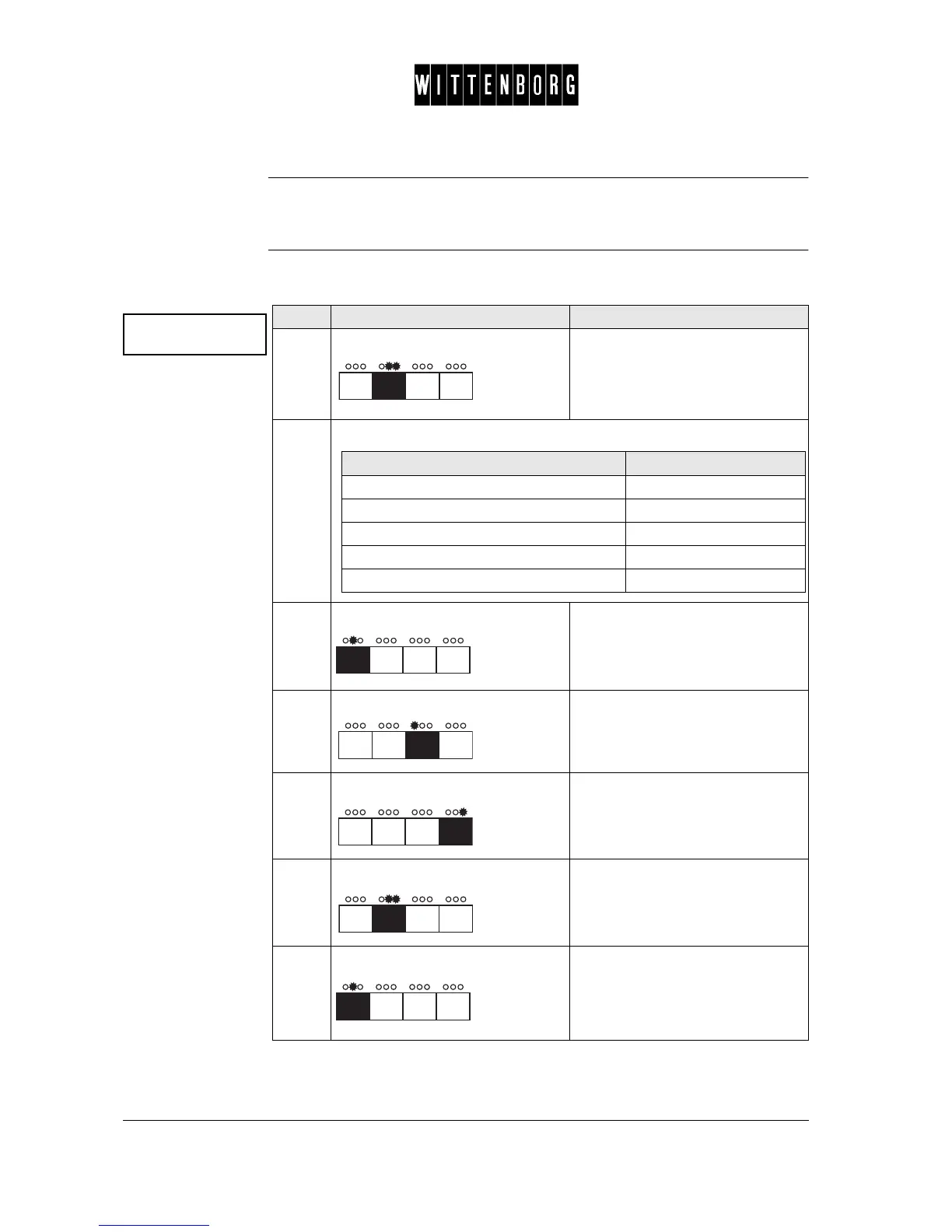
This option is used to set the Low change inhibit status for the various coin
values in the coin unit:
Low change inh.
->
Step Action Function
1.
Press: Activates the Low change inhibit
setting option.
2.
From the above menu you have the following options:
3.
Press: Switches between the various coin
values
(1-16).
4.
Press: Turns the status to "off".
5.
Press: Turns the status to "on".
6.
Press: Returns to the Low change inhibit
option.
7.
Press: Accesses the next function "Exact
change eq.".
If you want to then go to step
select a specific coin value 3
set the status to "off" 4
set the status to "on" 5
return to the Low change inhibit option 6
access the next function 6-7



 To Next Page