9
Money to Cash-
box
The Money to Cashbox option is used to view the amount routed to the
cashbox
Value Overpay The Value Overpay option is used to view the amount which because of a
lack of coins in the coin unit (eg only correct amount light on and/or round-
ing down in connection with a time related discount) could not be returned,
if "Credit->overpay" has been chosen in "Change Mode".
Manual Filling The Manual Filling option is used to view the amount inserted and record-
ed as manually inserted change with manual filling under "Card/Coin Ac-
tion".
NB: This option is not available with Executive coin unit.
Collected Money The Collected Money option is used to view the amount removed from the
cashbox without a reset in "Reset Counters".
The precondition is that when money is removed from the cashbox, the re-
moval is recorded in Cash Collected.
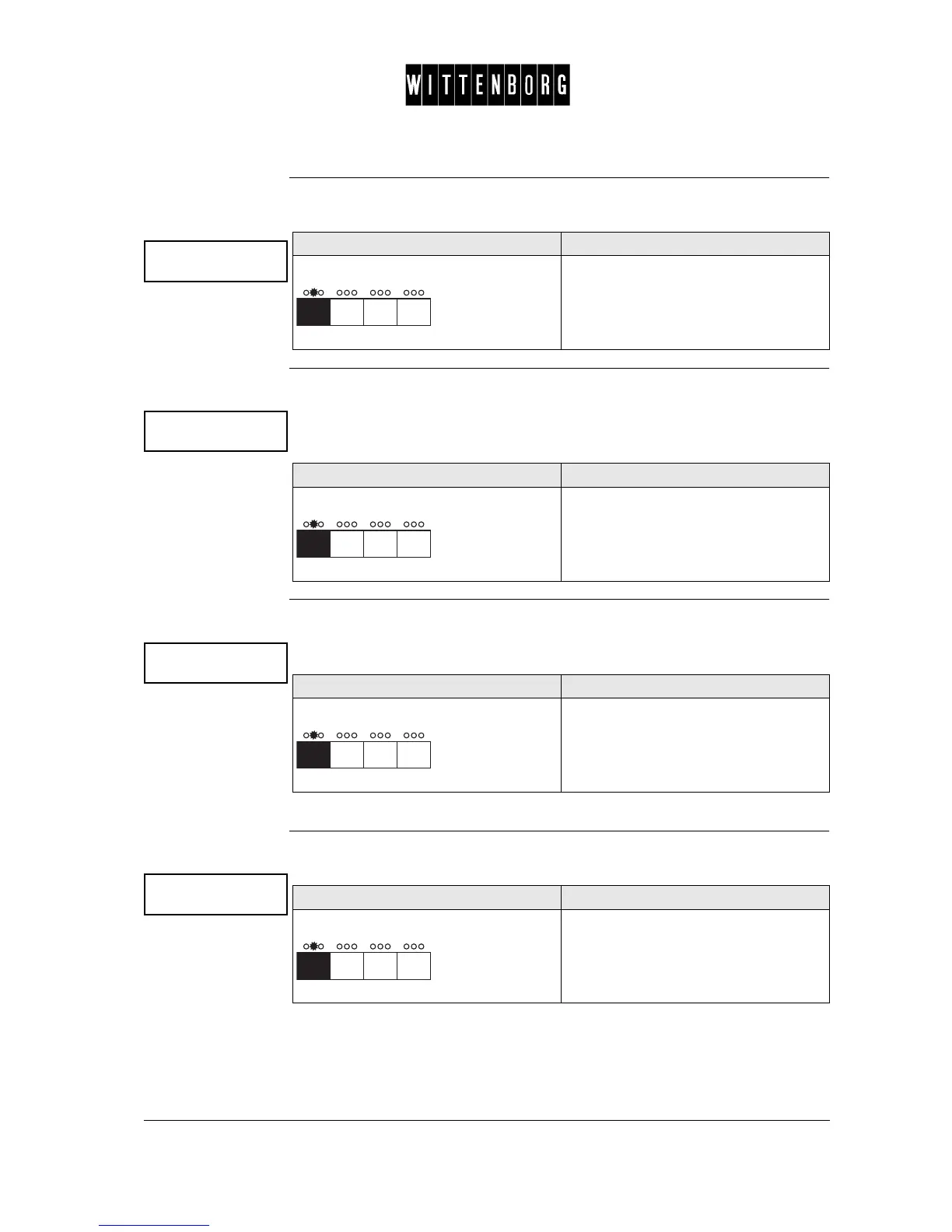
Money to tubes
Action Function
Press The number of money routed to the
cash box is displayed.
Value over pay
Action Function
Press The number of money which could not
be returned is displayed.
Manual filling
Action Function
Press The number of money inserted and
registered as manually inserted change
is displayed.
Collected money
Action Function
Press The number of money removed from
the cash box without a reset. is
displayed.



 To Next Page