27
Vend/Change
Mode
Vend mode:
Multi vend: Several articles may be purchased one after the other from one
coin or cash payment as long as sufficient credit is available.
Single vend: The change is returned or the card is released automatically
after each vend.
Change mode:
Credit-> overpay: If an excessive amount has been inserted in connection
with payment of a drink, and the coin mechanism cannot pay out the cor-
rect return amount, the amount is transferred to "Value Overpay, ie the
amount is being lost for the customer.
Keep credit: If an excessive amount has been inserted in connection with
payment of a drink, and the coin mechanism cannot pay out the correct re-
turn amount, the excessive amount is shown in the credit display. The cus-
tomer can insert an additional amount for vend of another drink or leave
the amount for the next customer, who will then get the amount shown in
the display added to his inserts.
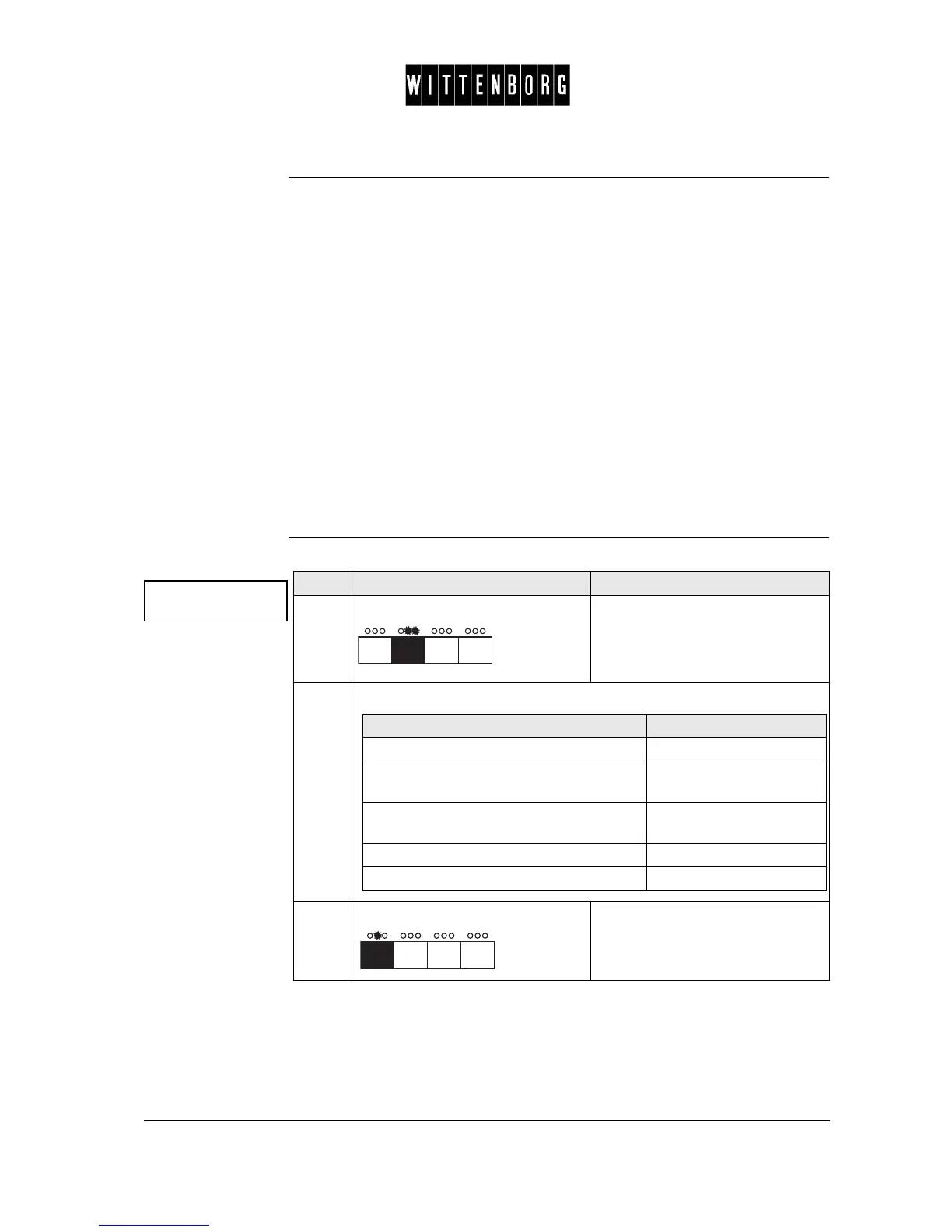
Vend mode This option is used to set the Vend mode and the Change mode:
Vend mode
Status : Single
Step Action Function
1.
Press: Activates the Vend Mode setting
option.
2.
From the above menu you have the following options:
3.
Press: Switches between the Vend mode
or the Change mode.
If you want then go to step
to chose vend mode or change mode 3
in Vend mode to chose "Multi" or in
Change mode to chose "Credit->overpay"
4
In Vend mode to chose "Single" or in
Change mode to chose "Keep credit"
5
to return to the Vend mode option 6
to access the next function 6-7



 To Next Page