6
Total Counter Menu
Introduction The Total Counter menu is used to retrieve data regarding the total number
of drinks dispensed, total amount of money collected, total number of dis-
counts, total amount of discount. It is also used to reset counters and to set
handling of the cash flow.
Options The Total Counter options are as follows,
• Total Counter
• Total Amount
• Discount Number
• Discount Amount
• Reset Counters
• Coin Audit
• Card Audit
• Coin Action
Accessing Accessing the Total Counter Options
• Open the cabinet door.
• The machine will automatically be in the Total Counter menu (Total
Counter option).
Total Coun-
ter
The display will show the total number of dispensed portions (non-resetta-
ble) and the total number of dispensed portions since last resetting (delet-
ing) the counters.
Refer to "Total counter"
Tot al
Amount
The Total Amount option is used to read out the total amount of money col-
lected from the sales of all dispensed portions.
The Total Amount option will not be shown, when the Price Mode in Serv-
ice Setting is set to "Index".
Nres tot: xxx
Res tot : xx
Total amount :
x,xx
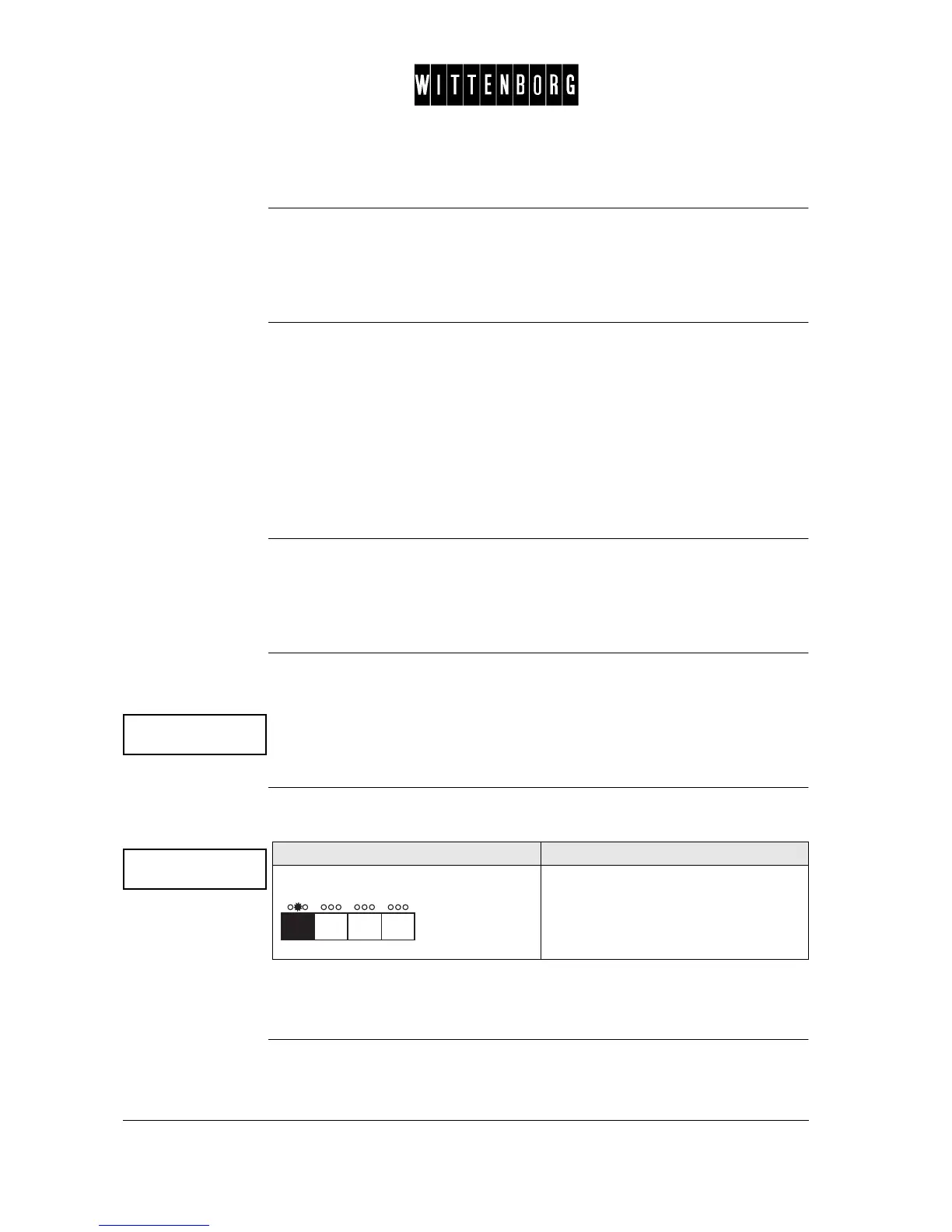
Action Function
Press: The display will show the total amount
of money collected since last resetting
(deleting) the counters.



 To Next Page