28
Set or change the
date and time
Clock : YY.MM.DD
WW.HH.MM
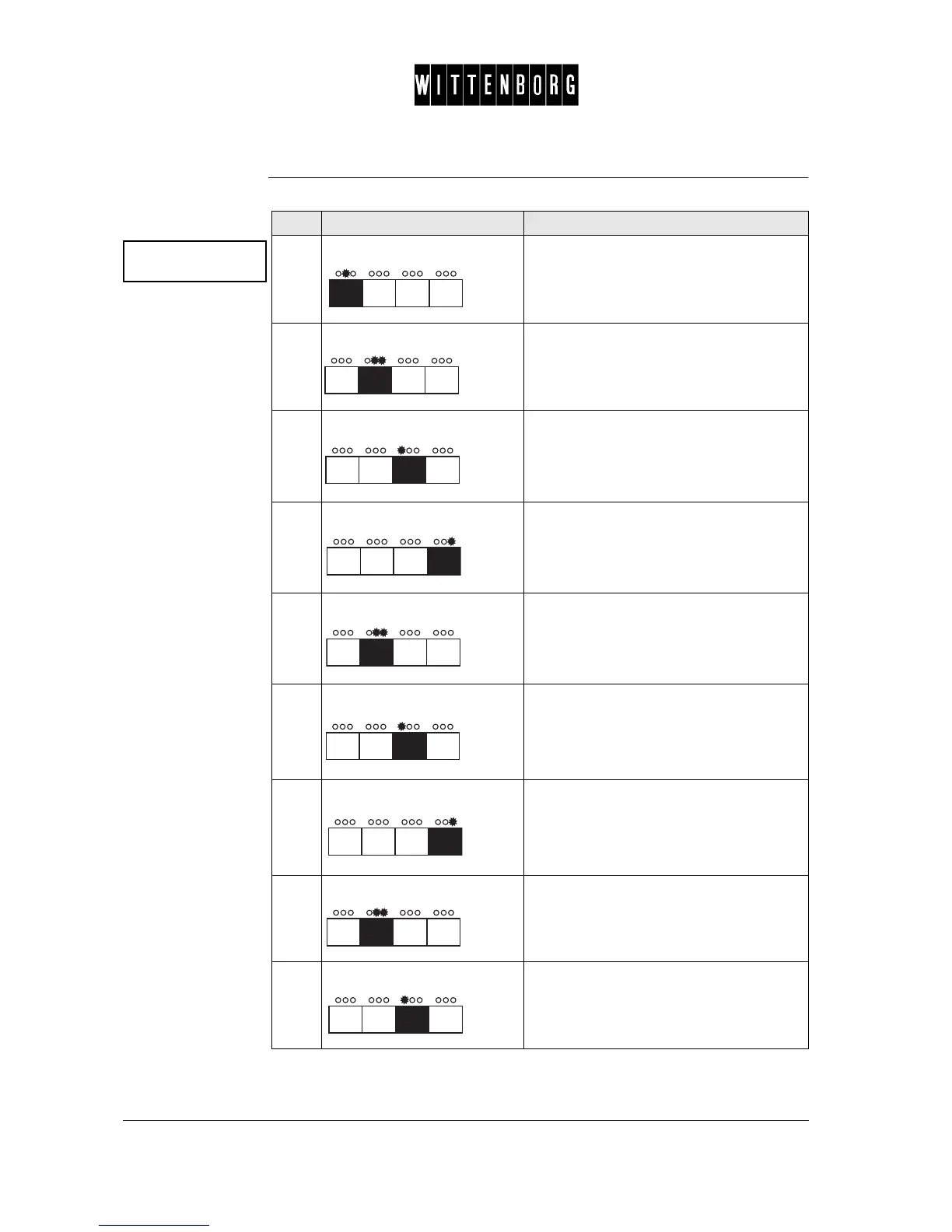
Step Action Function
1.
Press: Accesses the Clock option.
2.
Press: Activates Date setting. (eg display =
95.01.11)
3.
Press: Decreases the year.
4.
Press: Increases the year.
5.
Press: Sets the month, the display will blink ##
once, and then the month (eg 01)
6.
Press: Decreases the month.
7.
Press: Increases the month.
8.
Press: Sets the day, the display will blink ##
once, and then the day (eg 11).
9.
Press: Decreases the day.



 To Next Page