8
Accessing and
operating the
service options
Open the cabinet door (the machine will automatically start in the Total
Counter menu).
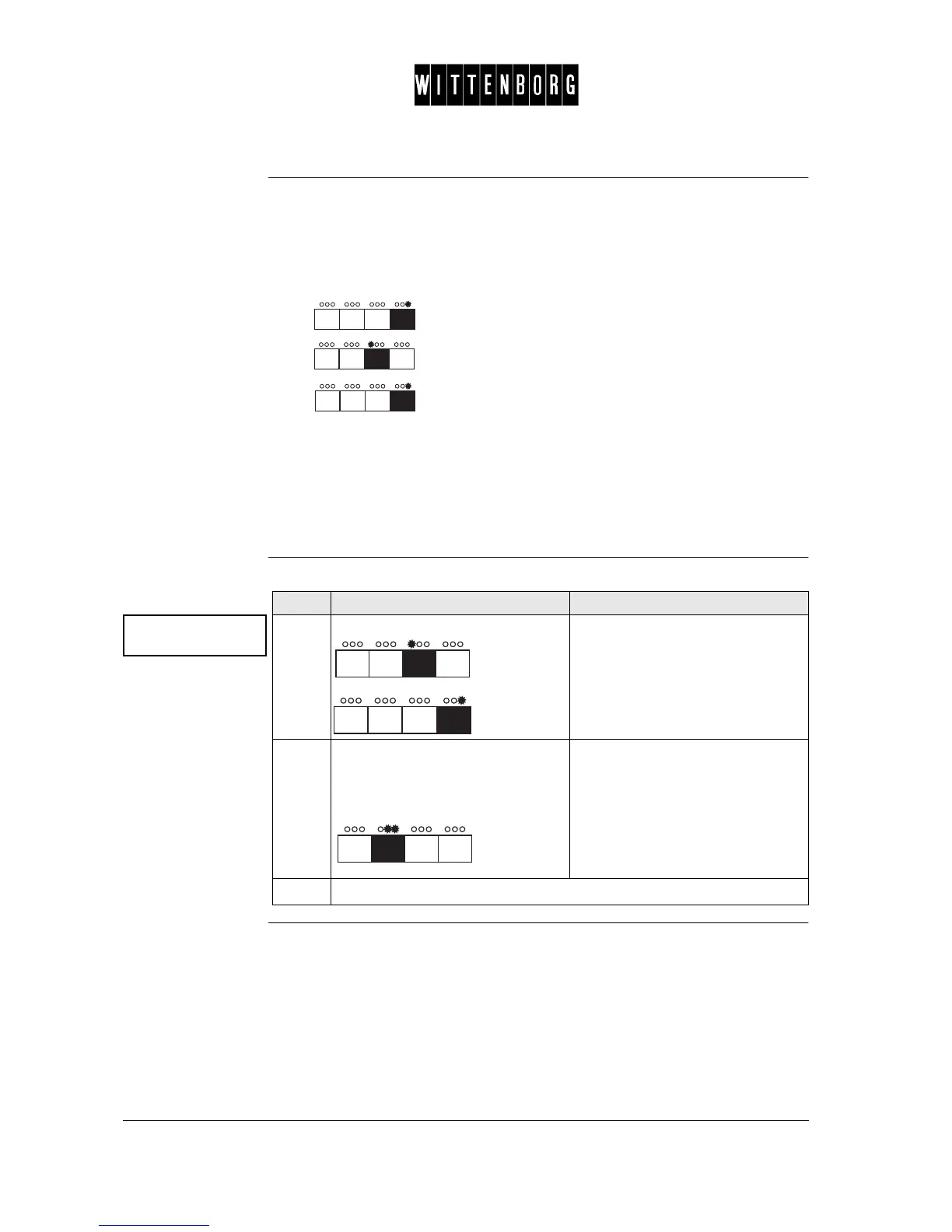
Press the following buttons in the stated order:
• button once
• button twice
• button once
The display will read "Password".
Enter your password.
The program will automatically be in the Change Password option.
Enter
password
Enter Password
0000 <Down>
Step Action Function
1.
Press: Sets the character.
2.
Press the indicated button to go to
the next character or after the
fourth character to go to the next
field.
Enter your password. The display
will blink # in the position of the
character to be changed.
3.
Repeat steps 1 and 2 until all characters are set.



 To Next Page