25
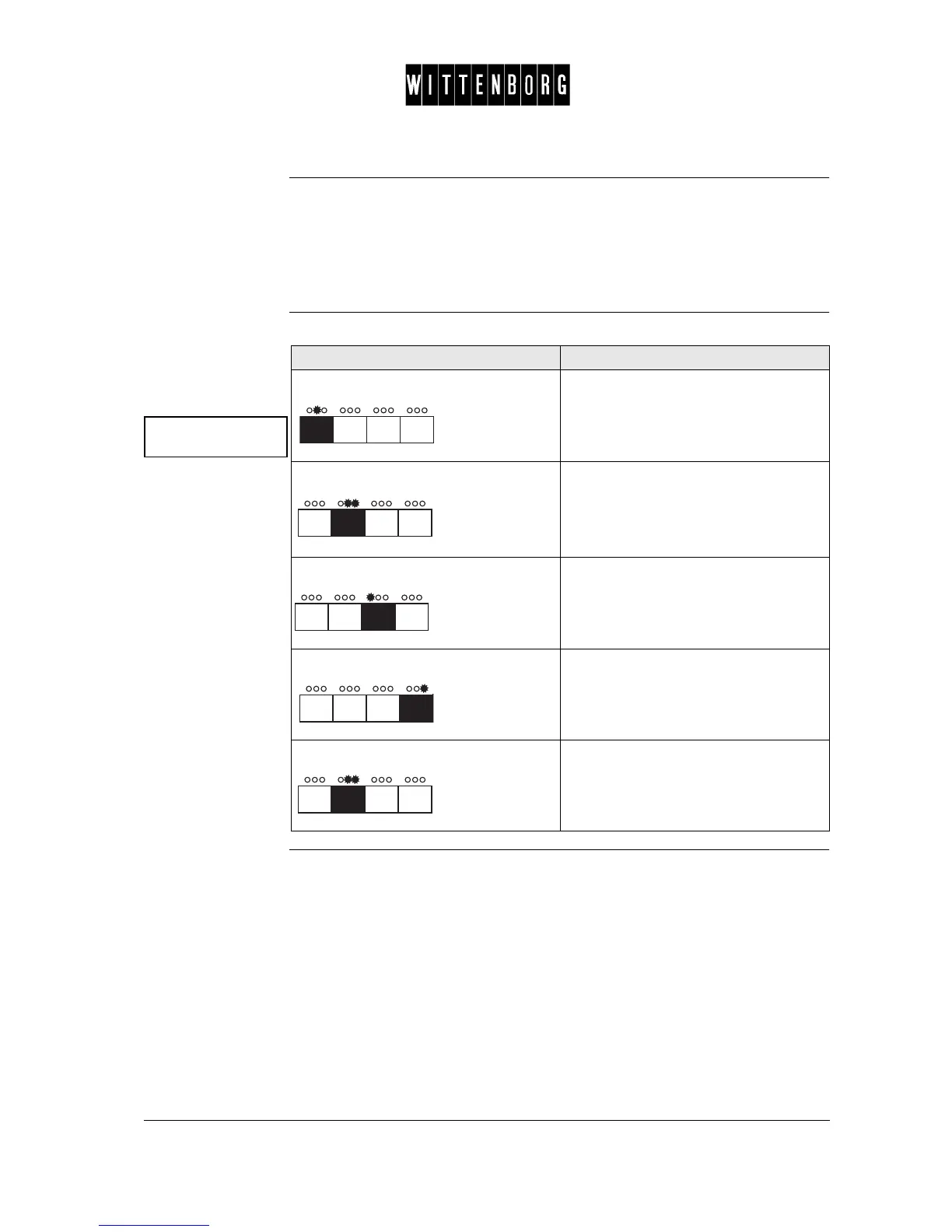
Multibrew The Multibrew option is used to set a preset number of portions to be dis-
pensed when the multibrew function is activated (eg a setting of 5 results
in an automatic dispensing of 5 portions when the multibrew function is
activated provided that this number is not changed by the user prior to ac-
tivating.)
Set or change the
preset number of
portions to be dis-
pensed
Multibrew
Preset pot: x
Action Function
Press: Accesses the Multibrew option.
Press: Activates the Preset Portion setting.
The display reads "Set Portions".
Press: Decreases the number of portions.
Press: Increases the number of portions.
Press: Returns to Multibrew option.



 To Next Page