12
Canister setting
options
This option is used to set the Canister Settings:
Canister settings
->
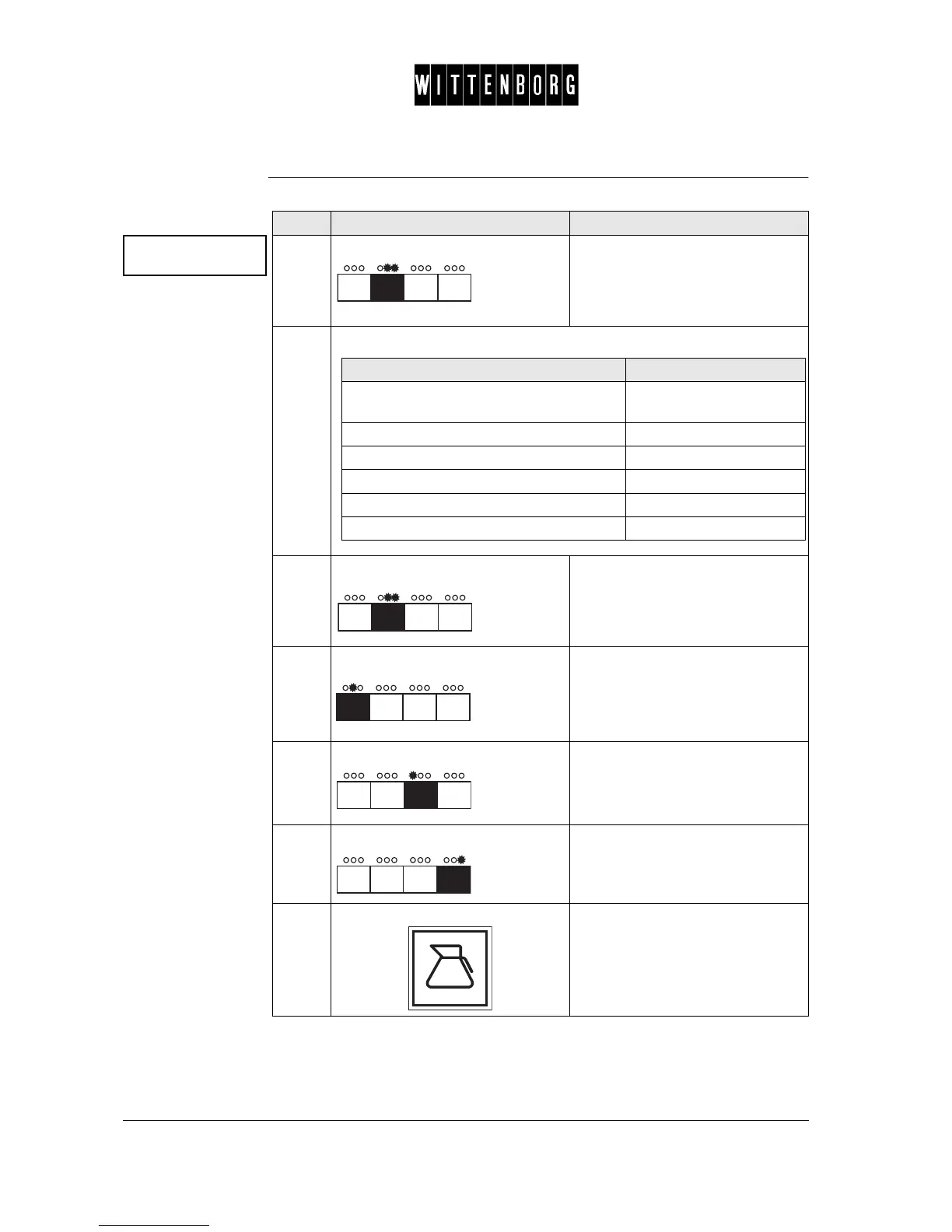
Step Action Function
1.
Press: Activates Canister Setting options
2.
From the above menu you have the following options:
3.
Press: Switches between "Inh.if x% full" or
"Full weight: x.xKg".
4.
Press: Switches between the various
ingredients.
5.
Press: Decreases the value.
6.
Press: Increases the value.
7.
Press: Returns to the Canister Setting
option.
If you want to then go to step
switch between between "Inh.if x% full" or
"Full weight; x.x Kg"
3
switch between the various ingredients 4
decrease the value 5
increase the value 6
leave the decrease or increase option 7
access the next function 7-8



 To Next Page