21
Group
Number
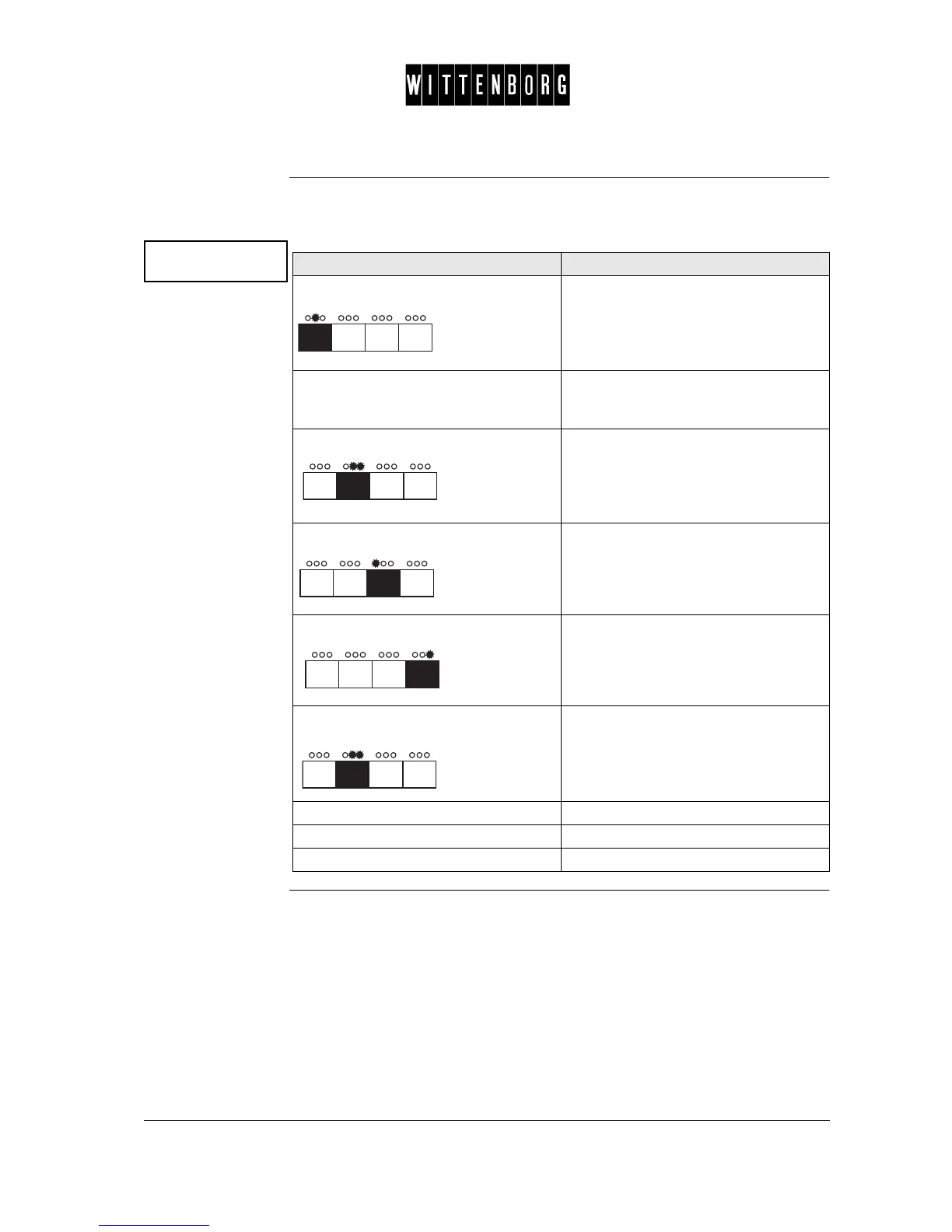
This option is used to set a group consisting of a selected number of drinks
for which information is needed regarding the number of paid and free-
vend drinks.
Chocolate
Group : x
Action Function
Press: The display reads eg "Group: 1".
Press the direct selection button
corresponding to the drink to be
included in a group.
To set or change the group.
Press: The display reads "Set Group".
Press: Sets the group number (decreasing
numerically).
Press: Sets the group number (increases
numerically).
Press: Returns to Group Number option.
Inhibiting drink Set group = 0
Undosed hot water Set group = 22
Undosed cold water Set group = 23



 To Next Page