16
Basic operation
Description The Basic Operation options make it possible to retrieve data and set prices
and quantities of all drink options available.
Options The Basic Operation options are as follows:
• Number of Paid Drinks
• Number of Free-Vend Drinks
• Amount
• Price
• Quantities
• Group number
Accessing and
operating
While in any option it is possible by pressing another direct selection but-
ton to recall information for or make changes to the corresponding drink
(eg while in the Number Paid option for coffee, pressing the coffee with
sugar direct selection button will access the Number Paid information for
coffee with sugar.)
Basic Operation
Press sel.button
Chocolate
No. paid: x
Action Function
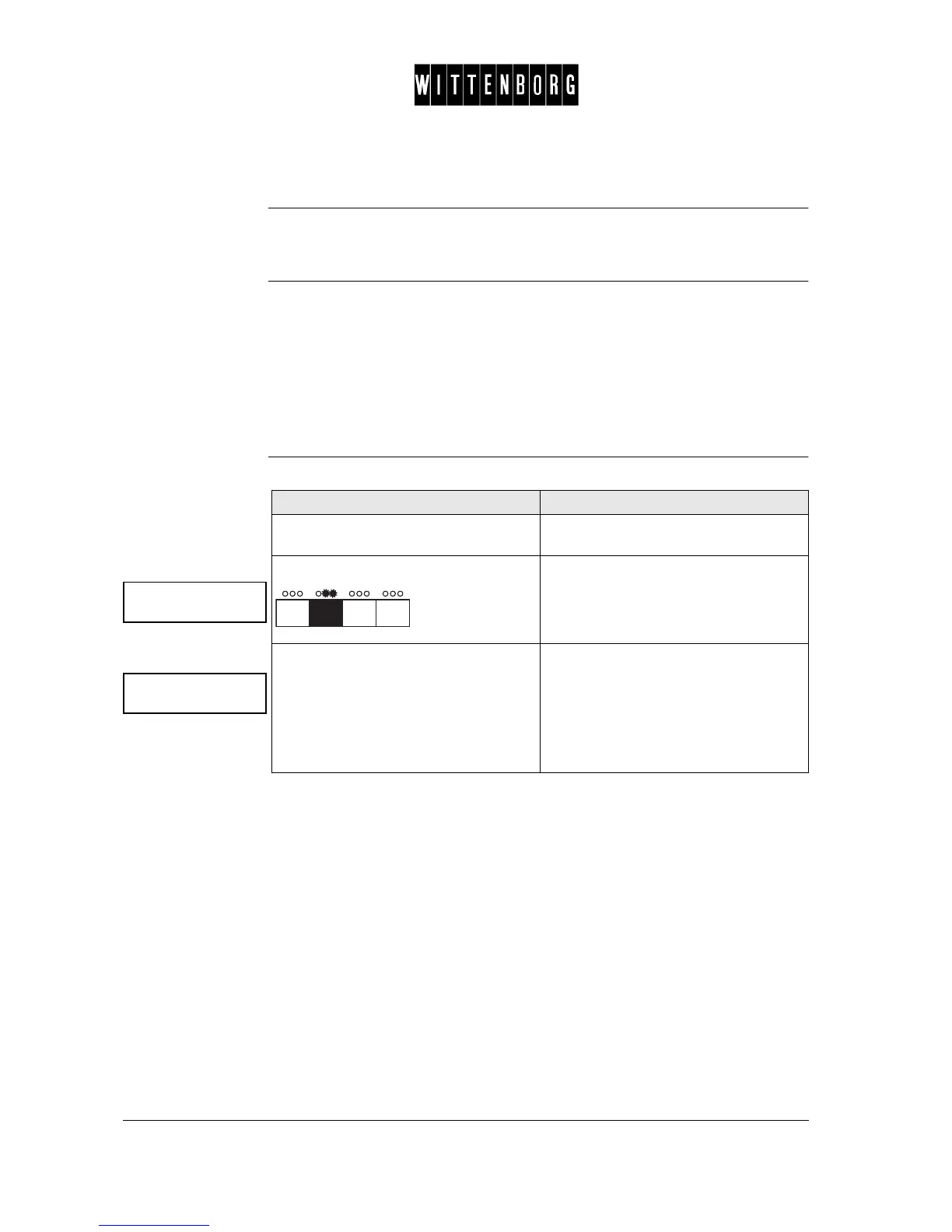
Open the cabinet door. The machine will automatically start in
the Total Counter menu.
Press twice
Select the drink for which setting is
needed by pressing the corresponding
direct selection button on the selection
panel (eg press the "coffee" button for
setting coffee, press the "coffee with
sugar" for setting coffee with sugar,
etc.).
The number of portions dispensed for
the selected drink since last resetting
(deleting) the counters is displayed.



 To Next Page