18
Temperature
calibration (FB/
IN)
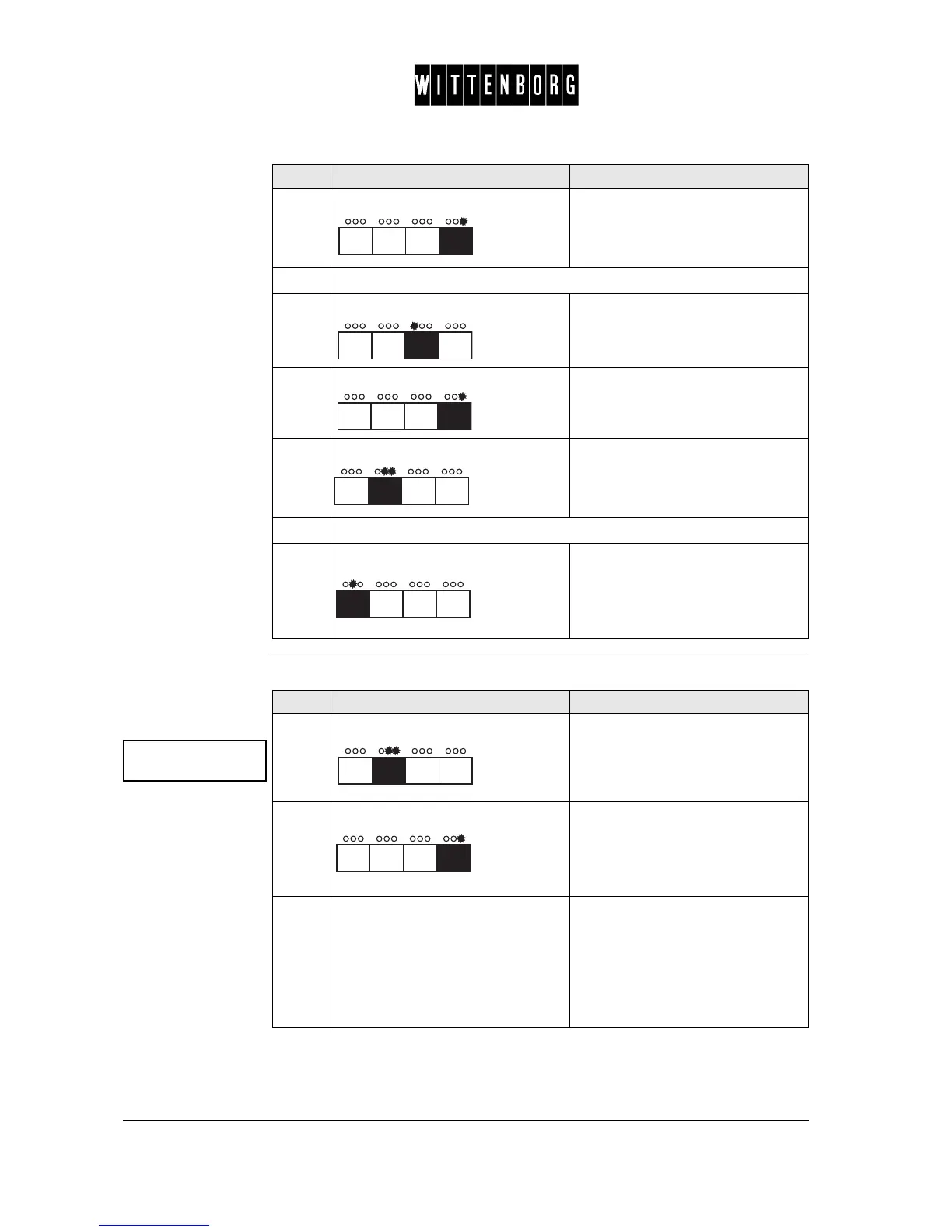
This option is used to calibrate the temperature sensor:
5.
Press: Start calibration. The display will
read "Delivering, Please Wait".
6.
Enter the value of the delivered powder quantity in grams.
7.
Press: Decreases the powder quantity
value in grams.
8.
Press: Increases the powder quantity
value in grams.
9.
Press: Exits the ingredient calibration.
10.
Repeat the process until all ingredients have been calibrated.
11.
Press: Accesses the next function "Cali-
brate temperature".
Step Action Function
Calibrate
temperature ->
Step Action Function
1.
Press: Activates temperature calibration.
2.
Press: Activates Temperature Calibration
option.
The display will read "Heating!
Please wait" - until the boil over
switch switches off.
3.
Reset boil over switch.
Note : Wait till text in display has
finally switched back to "Calibrate
Temperature" and then reset the
boil over switch, located on the
overflow hose from water tank.



 To Next Page