11
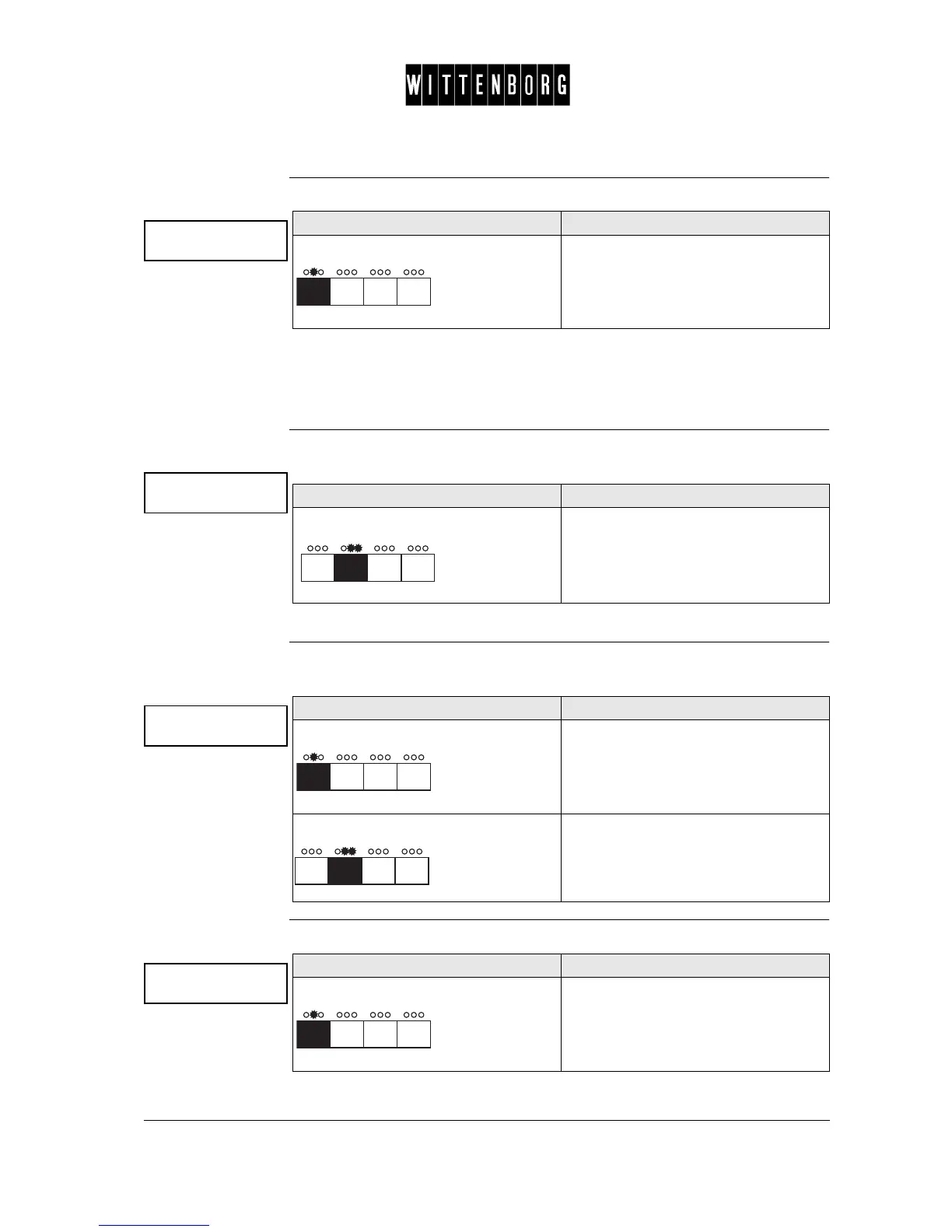
Card Audit The Card Audit option calls the data counter for cash flow by card.
Options: The Card Audit function is as follows:
• Amount/No
• Revalued Amount
Amount/No This option is used to view the total value of vends and the total number of
vends made by card as a means of payment.
NB: This option is only available with the MDB/ICP coin unit.
Revalued
Amount
This option is used to view the total amount which has been added to the
credit amount on a card.
Coin Action The Coin Action option is used to set the handling of the coins:
Card audit
->
Action Function
Press Accesses the Card Audit
Amount xxxxxxxx
No x
Action Function
Press The amount of the total value and the
number of vends for which cards were
used in payment.
Revalued amount
No x
Action Function
Press The amount added to the credit amount
on a card
Press Returns to the Card Audit option.
Coin action
->
Action Function
Press Accesses the Card/Coin Action.



 To Next Page