34
Happy hour Dis-
count
This option is used to set a percentage discount for selections made during
a Happy Hour period (eg a setting of 20 results in a discount of 20% on the
selection made during a Happy Hour period.). A setting of 100% means
free vend during the period. To set or change this option the clock function
must be "on".
When using "index" the value will be added to the "normal" price index.
Set or change the
happy hour dis-
count
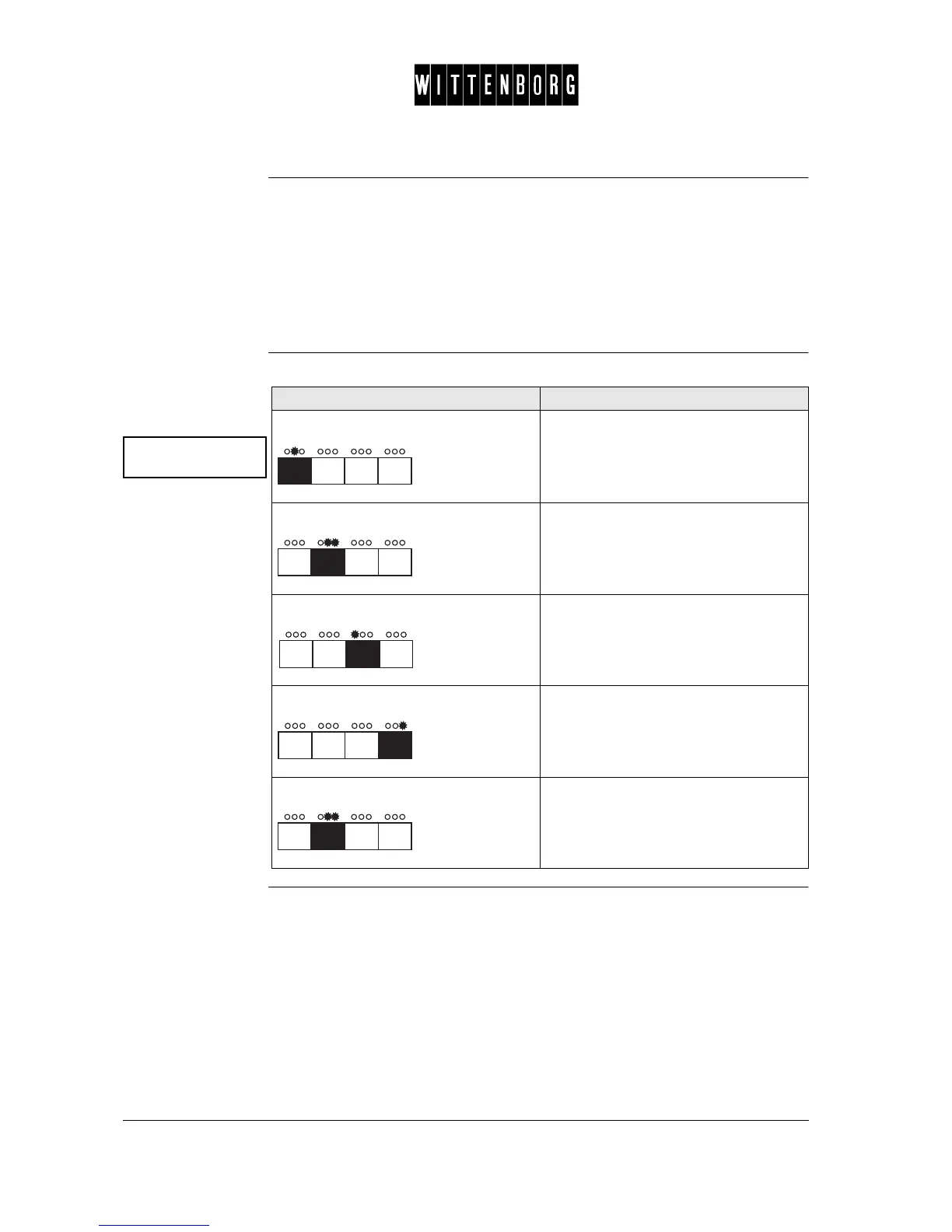
Happy hour disc.
xx percent
Action Function
Press: Accesses the Happy Hour Discount
option.
Press: Activates Happy Hour Discount option.
Press: Decrease the discount.
Press: Increase the discount.
Press: Return to Happy Hour Discount option.



 To Next Page