10
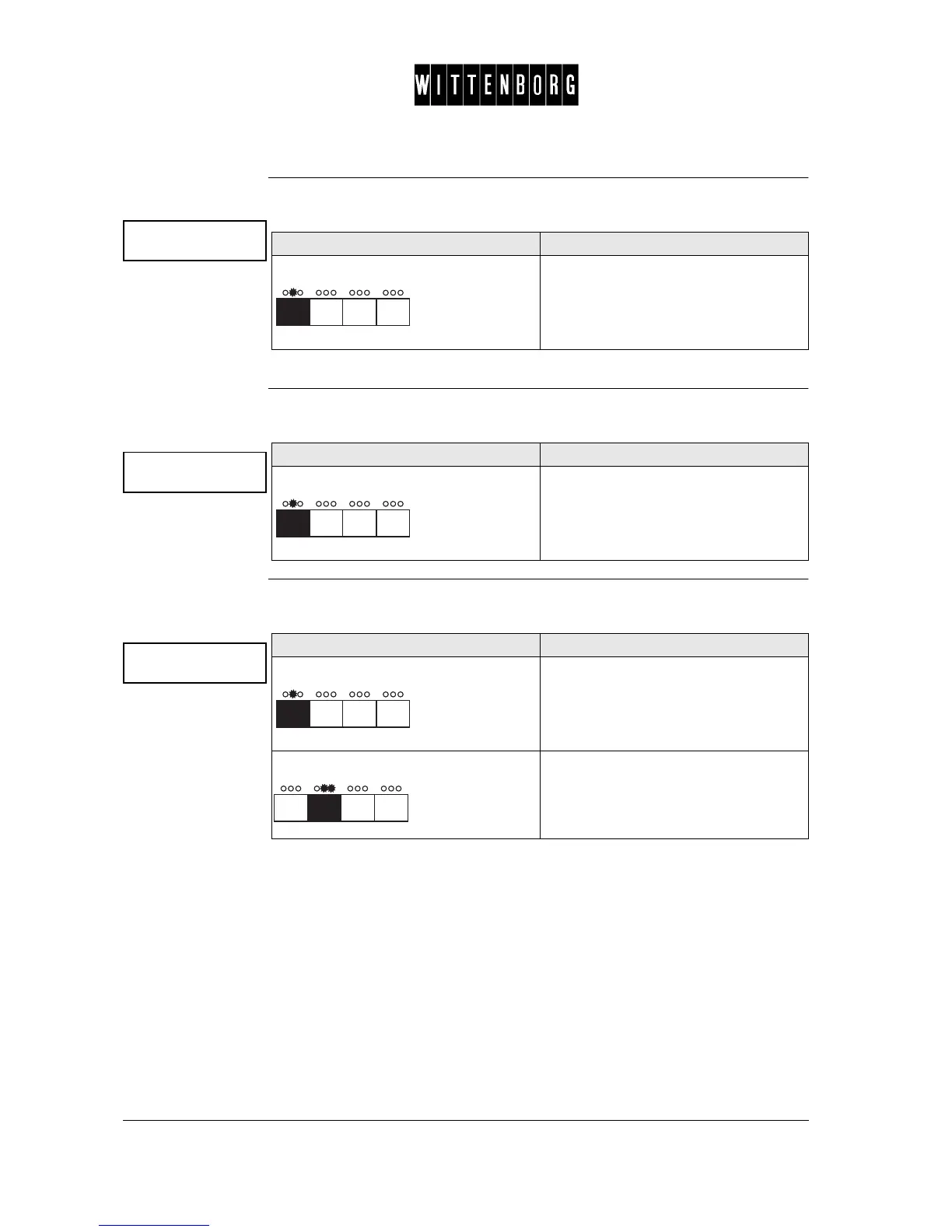
Number of Slugs The Number of Slugs option is used to view the number of false coins de-
tected in the coin mechanism.
NB: This option is only available with the MDB coin unit.
Dispensed
Change
The Dispensed Change option is used to view the dispensed change
amount paid out to customers.
Manually Deliv-
ered Money
The Manually Delivered Money option is used to view the amount paid out
from the coin tubes with Dispense coins under Card/Coin action.
NB: As to Executive coin unit: Coins are paid out from the coin tubes by
pressing the coin dispense button on the coin unit.
No of slugs
Action Function
Press The number of false detected coins is
displayed.
Dispensed Change
Action Function
Press The amount of dispensed change to
customers is displayed.
Man.del. money
Action Function
Press The amount paid out from the coin
tubes is displayed.
Press Returns to the Coin Audit option.



 To Next Page