15
Calibrating valves
(FB/IN)
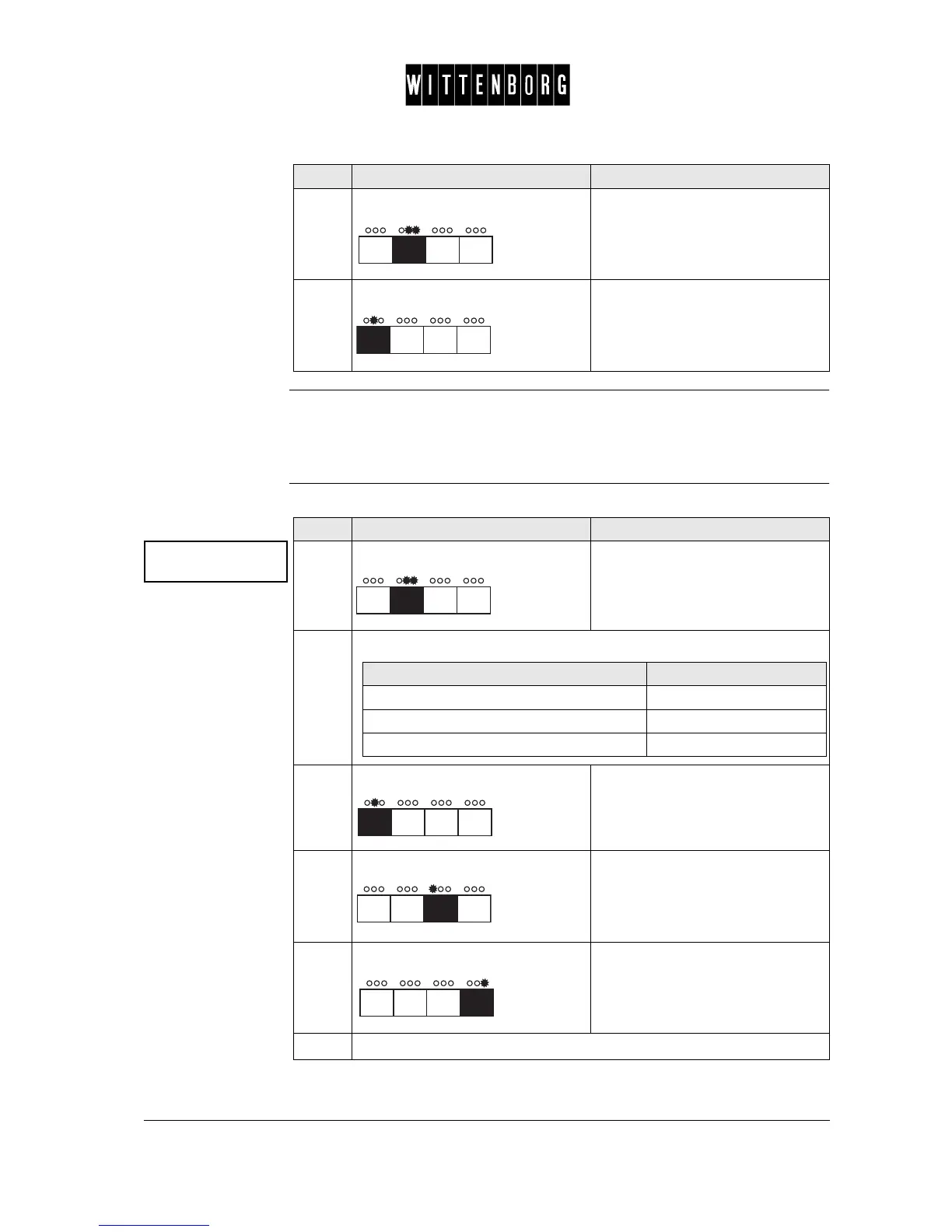
This option is used to calibrate the individual valves (FB/IN).
Note: The ES valves cannot be calibrated.
Selecting valve to
calibrate
6.
Press: From "Action" accesses "Rinse
message set"
7.
Press: From "Rinse message" accesses
the next function "Calibrate valves"
Step Action Function
Calibrate
valves ->
Step Action Function
1.
Press: Activates the valve calibration
(water flow is shown in ml per sec-
ond).
2.
From the above menu you have the following options:
3.
Press: Switches between the valves in
succession
4.
Press: Decreases the water flow in ml per
second.
5.
Press: Increases the water flow in ml per
second.
6.
Proceed with calibrating a valve
If you want to then go to step
select a specific valve 3
decrease the water flow 4
increase the water flow 5



 To Next Page