14
Rinse message
setting options
This option is used to set the Rinse Message Setting:
Rinse message set
->
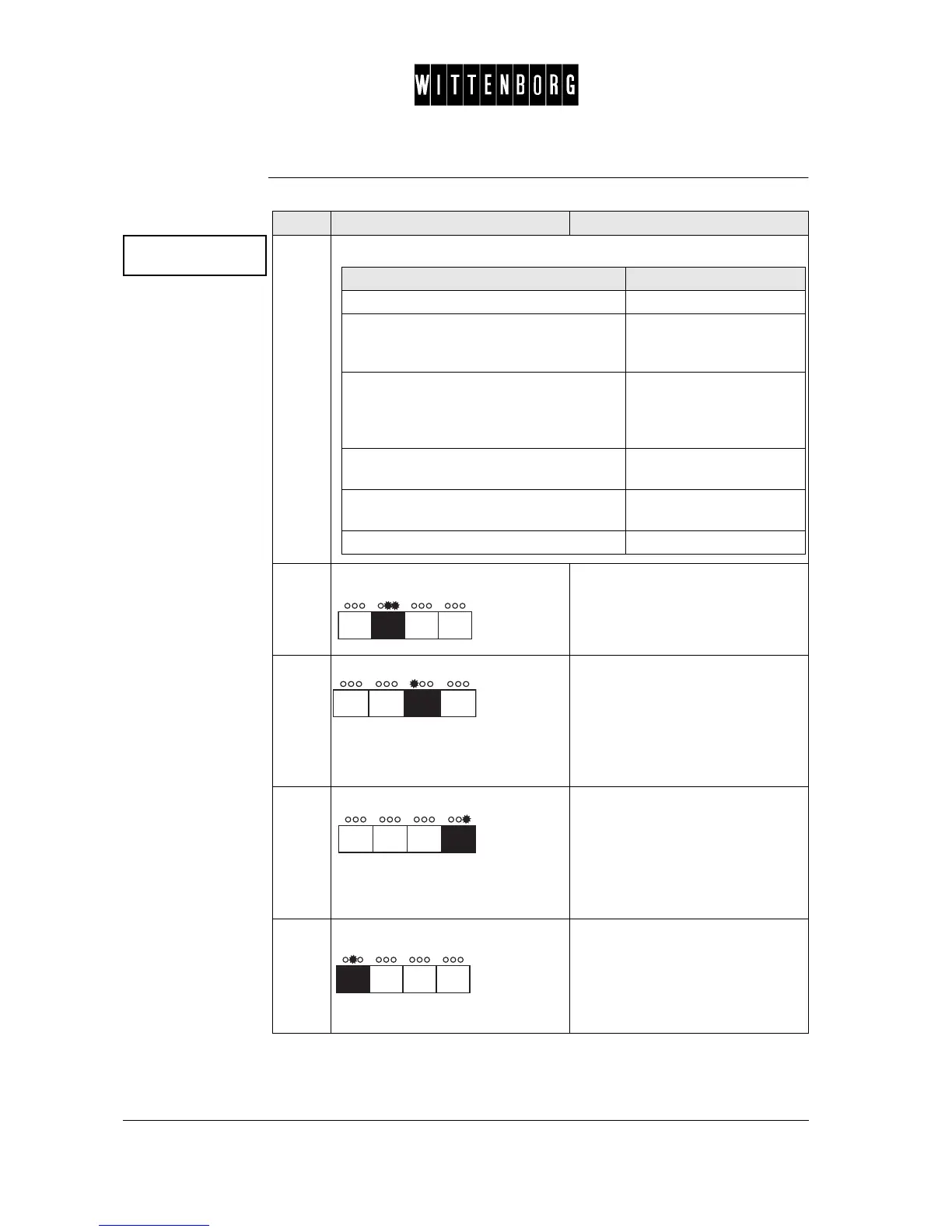
Step Action Function
1.
From the above menu you have the following options:
2.
Press: Accesses "Action"
3.
Press: In "Action" you can select one of
the setting possibilities top down:
• Stop vending
• Display only
• Function off
In "Rinse interval" you can
decrease the value.
4.
Press In "Action" you can select one of
the setting possibilities bottom up:
• Function off
• Display only
• Stop vending
In "Rinse interval" you can
increase the value.
5.
Press: Switches between "Action" or
"Rinse intervals".
In "Rinse intervals" key in the num-
ber of vends to be delivered in the
rinse interval.
If you want then go to step
to access "action" 2
• to move bottom up in the selections in
"action"
• to decrease values in "Rinse interval"
3
• to move bottom up in the selections in
"Action"
• to increase the value in "Rinse inter-
val"
4
to switch between "Action" or "Rinse inter-
val"
5
to leave "action" and revert to "Rinse mes-
sage set"
6
to access the next function 6-7



 To Next Page