25
Payment The payment option is used to set the "Payment Type" - type of coin
mechanism - and the "Price Mode" - "real", i.e. the actual price is entered
in the price menu of the drink in question - or "Index", i.e. the price number
to which the drink is relating in the coin mechanism is entered in the price
menu of the drink in question.
In the option "Audit Unit" you can choose between internal audit unit or
external audit unit. If you have mounted a box to take care of the audit, you
have to select external audit unit.
If you choose MDB under "Payment Type", then the options "ZKA Mode"
and "Show MDB Texts" are available.
MDB (Multi-Drop Bus) / ICP (Internal Communication Protocol).
ZKA (Zentraler Kreditausschuss).
Setting payment This option is used to set the payment options
MDB ZKA Mode
ON Allowing MDB/ICP to handle credit values up to 9999.99
OFF The credit values handled by MDB/ICP cannot exceed 999.99
Show MDB texts
ON You are able to see both texts from the machine as well as MDB/ICP
texts from the card reader.
OFF You are only able to see texts from the machine.
Set payment
Status : BDV
Step Action Function
1.
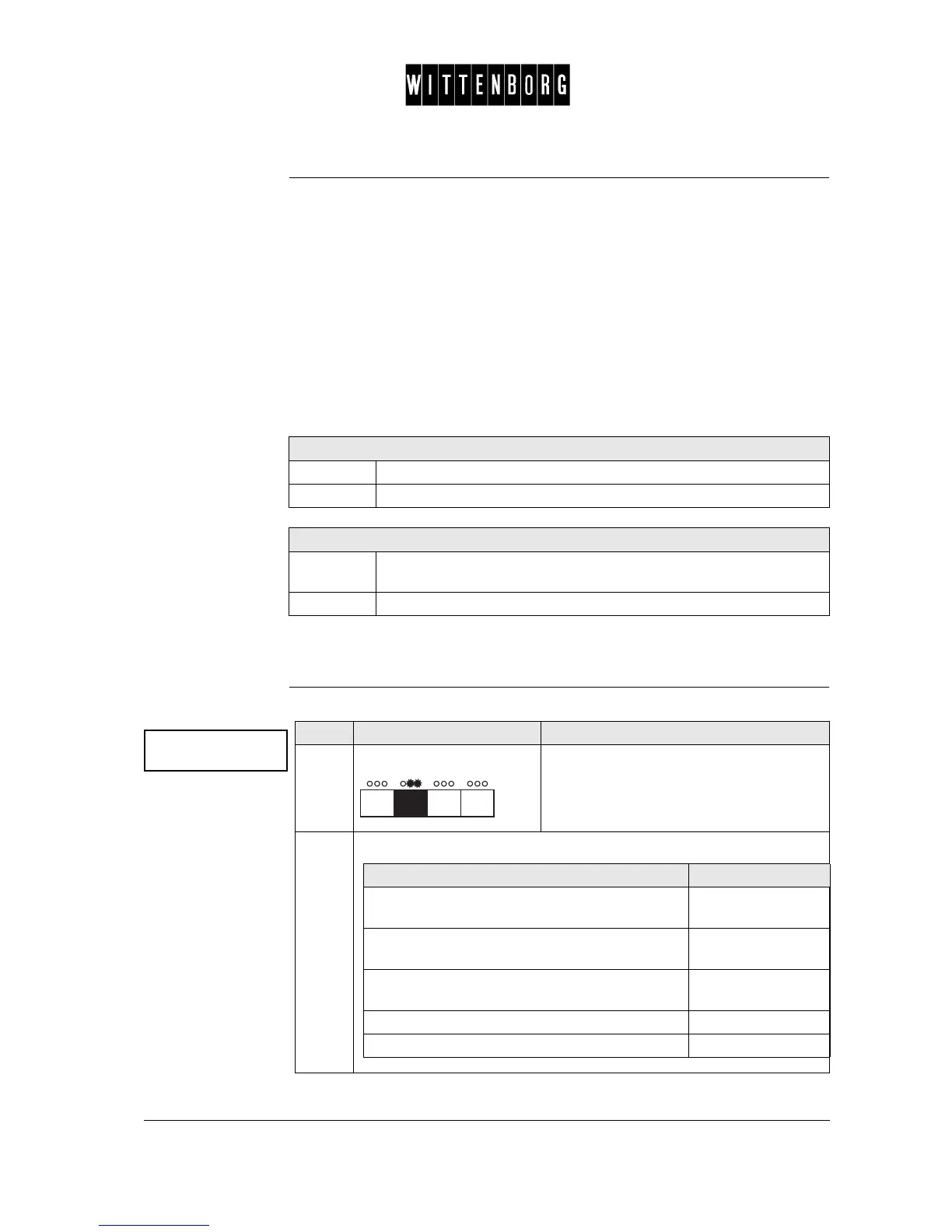
Press: Activates the Setting Payment option
(The first field shown is payment type)
2.
From the above menu you have the following options:
If you want to select then go to step
"payment type", "MDB ZKA mode", "Show MDB
texts", "price mode" or "audit unit"
3
Selects the options of "payment type" or "price
mode" moving backward
4
Selects the options of "payment type" or "price
mode" moving forward"
5
return to Payment option 6
access the next function 6-7



 To Next Page