13
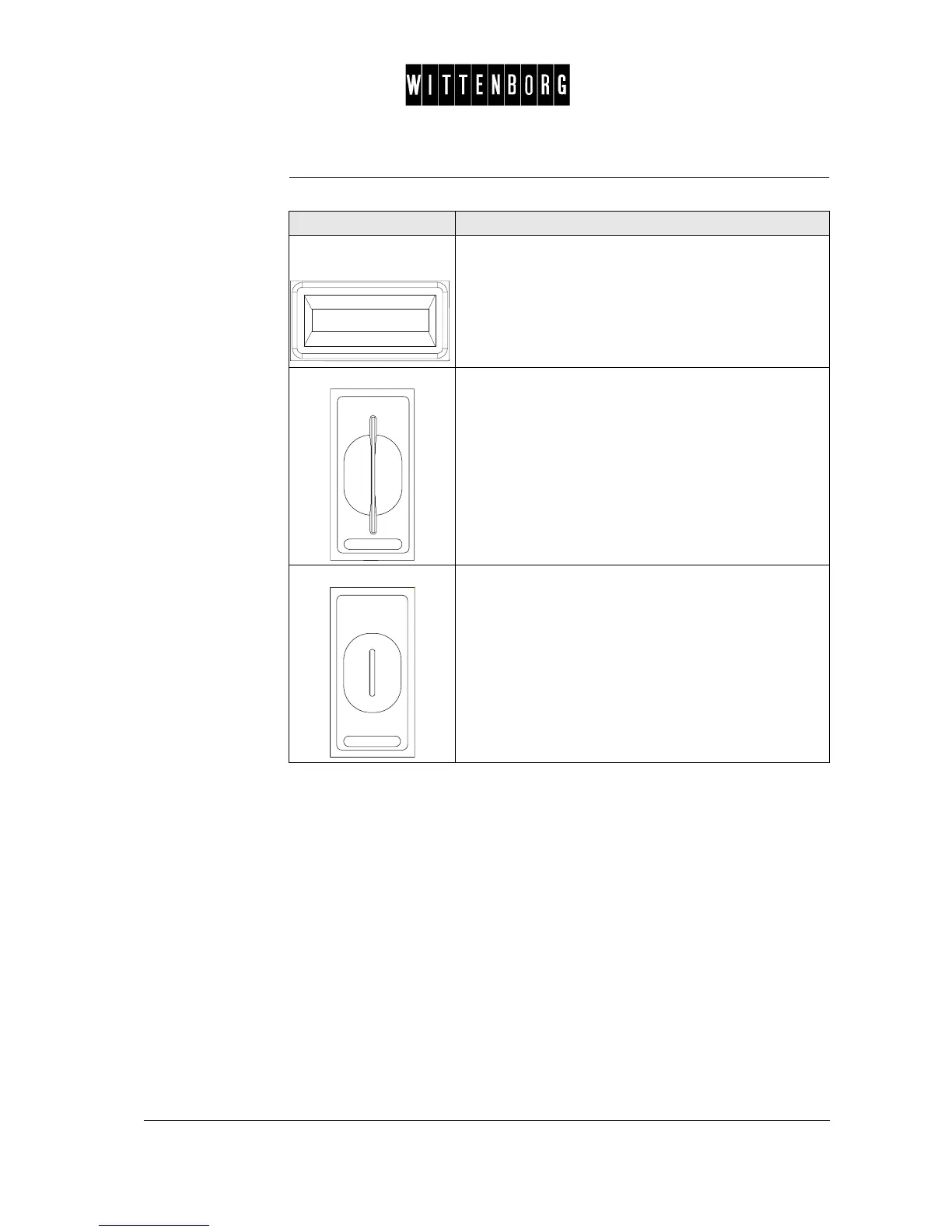
Functions The table below describes the functions of the Payment Panel:
Part Function
Customer Information
Display
Shows
• the price of the selected drink, or
• the value of your inserted card, or
• the amount of money you have inserted in coins
and, shows the customer different predefined infor-
mation texts.
Card Insert The slot into which you insert your card in order to:
• pay for the selected drink with card
Coin Insert The slot into which you insert coins in order to:
• to pay for the selected drink in cash



 To Next Page