10
Adjusting the optical sensor for the transparency of the cups
Procedure Follow this procedure to adjust the optical sensor:
Step Action
1.
Open cabinet door.
2.
Remove the door cover.
3.
Empty the dispensing area and place a cup on the cup platform.
Note: You have to use a white cup.
4.
• If the light ray is interrupted by the cup, then the sensor setting is cor-
rect
• If the light ray passes through the cup, then go to the next step
5.
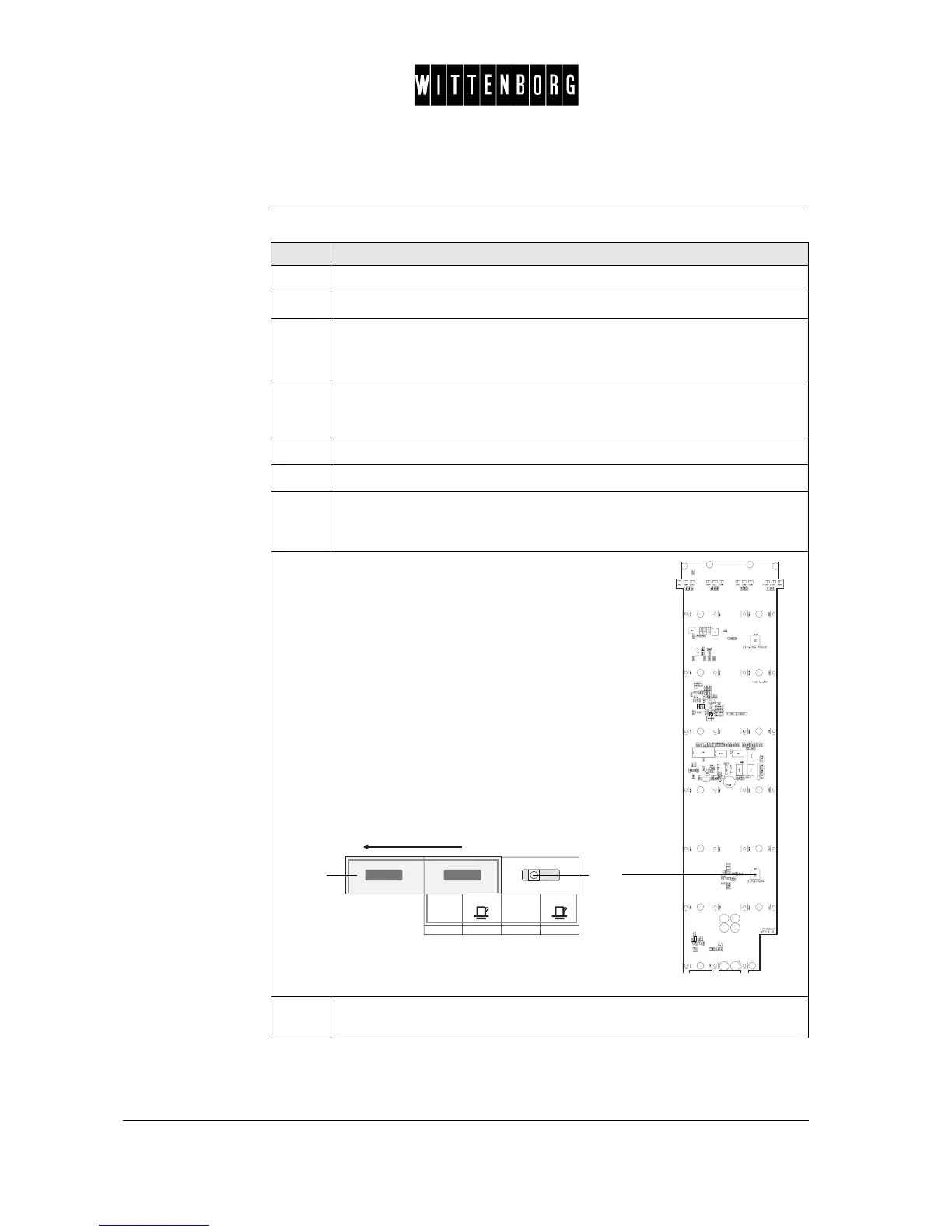
Remove the colour panel.
6.
Remove price label (1)
7.
Adjust the potentiometer (2) on the SPC board for sensitivity
• Clockwise: less light sensitivity
• Counter clockwise: higher light sensitivity
8.
Adjust the potentiometer counter clockwise until LD 5 on the PCB lights
up, then adjust it clockwise just a little.
1
2



 To Next Page