5
Replacing the EPROM
Procedure Follow this procedure to replace the EPROM:
Replacing the NOVRAM with built-in lithium battery
Purpose The NOVRAM (non-volatile RAM) stores audit and settings data, even if
the power is turned off.
Procedure Follow this procedure to replace the NOVRAM:
Step Action Illustration
1.
Remove cover plates.
2.
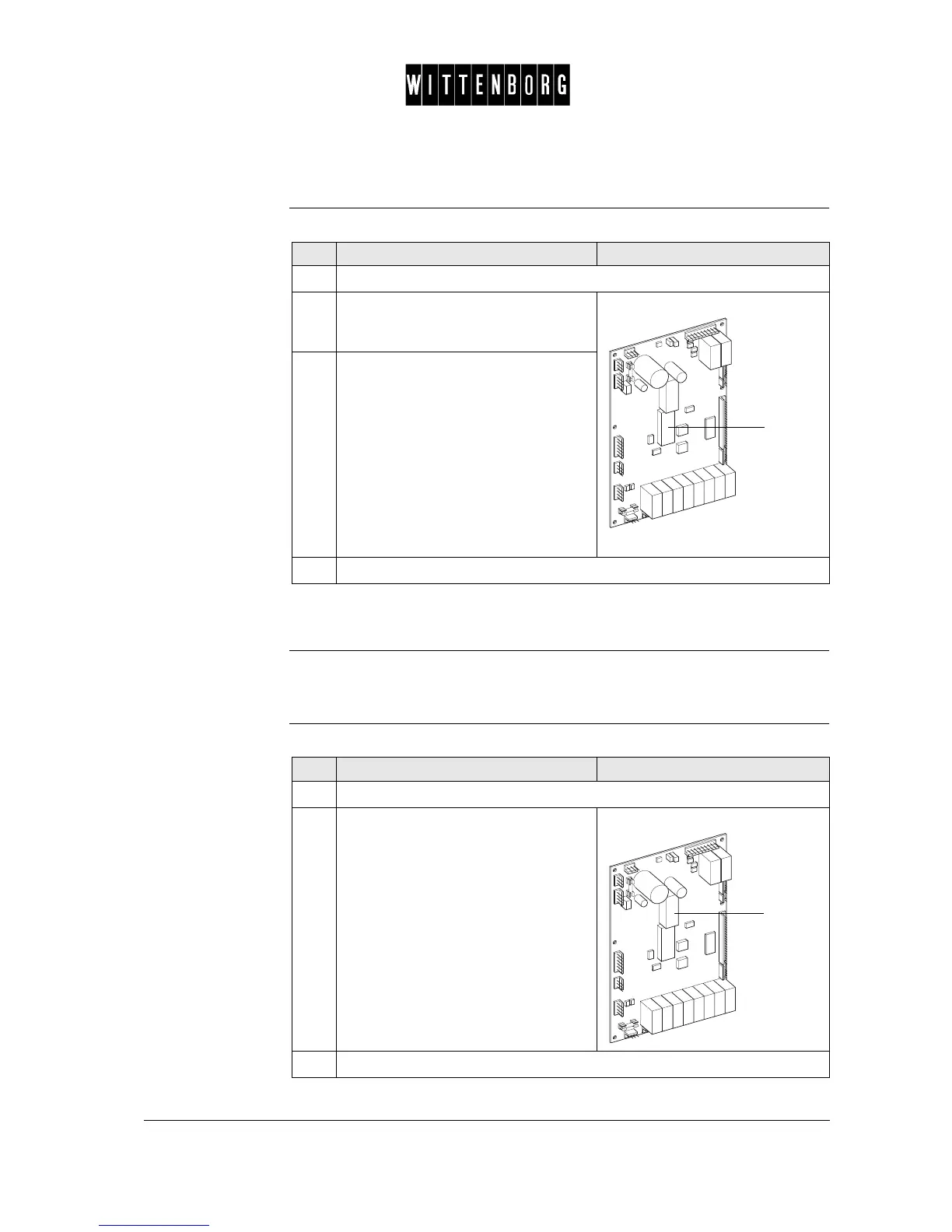
Remove the EPROM (1) with the
appropriate tool.
NB. Be careful not to use force.
3.
Install the new EPROM.
NB. Ensure that the EPROM is
correctly positioned (i.e. the notch of
the EPROM matches with the position
of the notch on the socket).
NB. Ensure that the pins of the
EPROM are not deformed and that
they are well inserted into the holes of
the socket.
4.
Remount cover plates.
1
Step Action Illustration
1.
Remove cover plates.
2.
• Remove the NOVRAM (1).
• Install a new NOVRAM.
3.
Remount cover plates.
1



 To Next Page