17
Calibrating
ingredients
This option is used to calibrate the ingredients.
Prerequisite for
calibrating
ingredients
Have a cup and a pair of scales ready for measuring ingredients dispensed.
Selecting and
calibrating
ingredients
9.
Press: Increases the water flow in ml per
second.
10.
Repeat all steps until all valves have been calibrated.
11.
Press: Accesses the next function "Cali-
brate ingredients".
Step Action Function
Calibrate
ingredients ->
Step Action Function
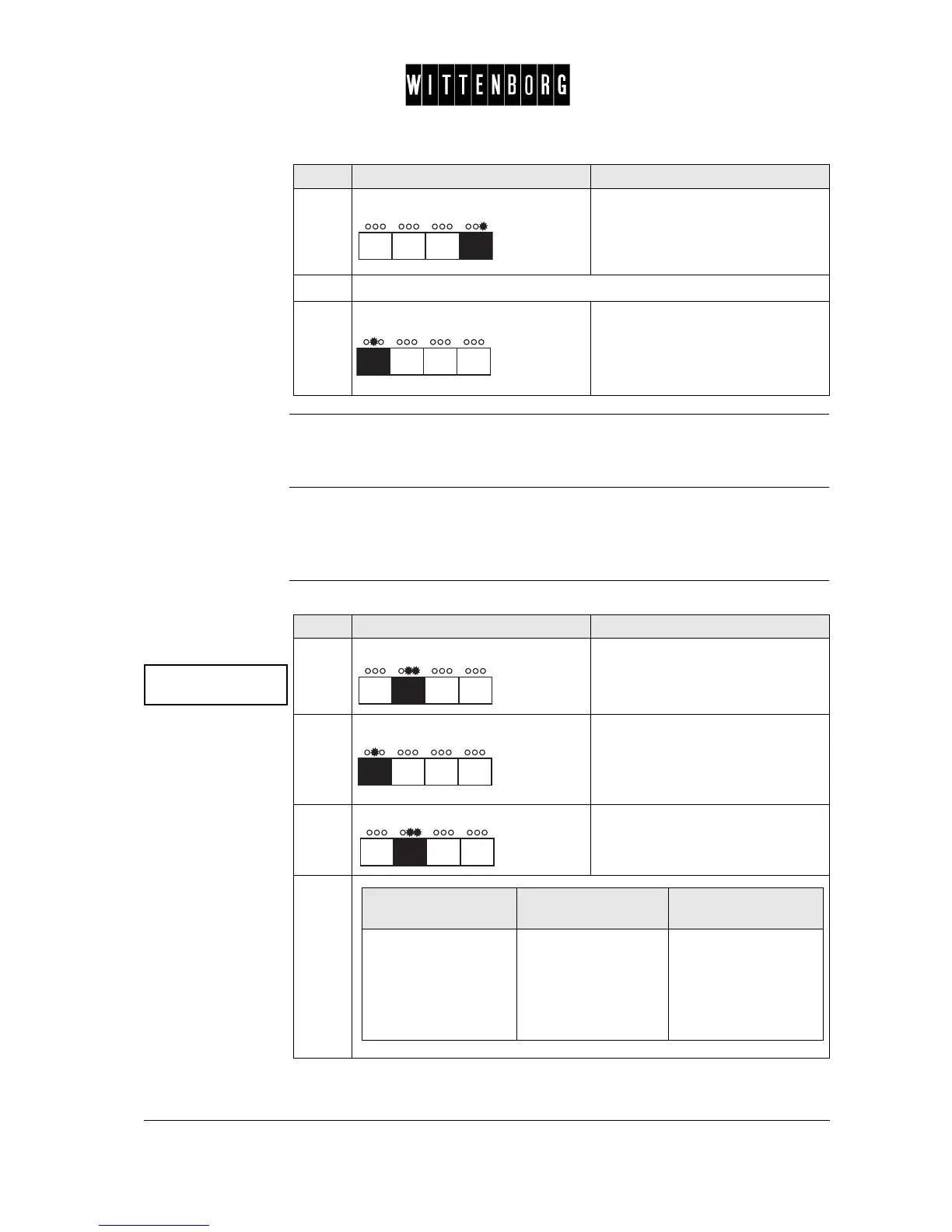
1.
Press: Activates the Ingredient Calibra-
tion.
2.
Press: Switches between the ingredients
in succession.
3.
Press: Accepts calibration for the selected
ingredient.
4.
If FB ingredient,
then
If IN ingredient,
then
If ES ingredient,
then
Remove the brewing
cylinder of FB unit
and hold a cup under
the outlet of the coffee
canister while per-
forming next step.
Place a cup on the
cup platform while
performing next step.
Remove the bean
canister of ES unit
and hold a cup under
the ground coffee out-
let while performing
next step.



 To Next Page