29
10.
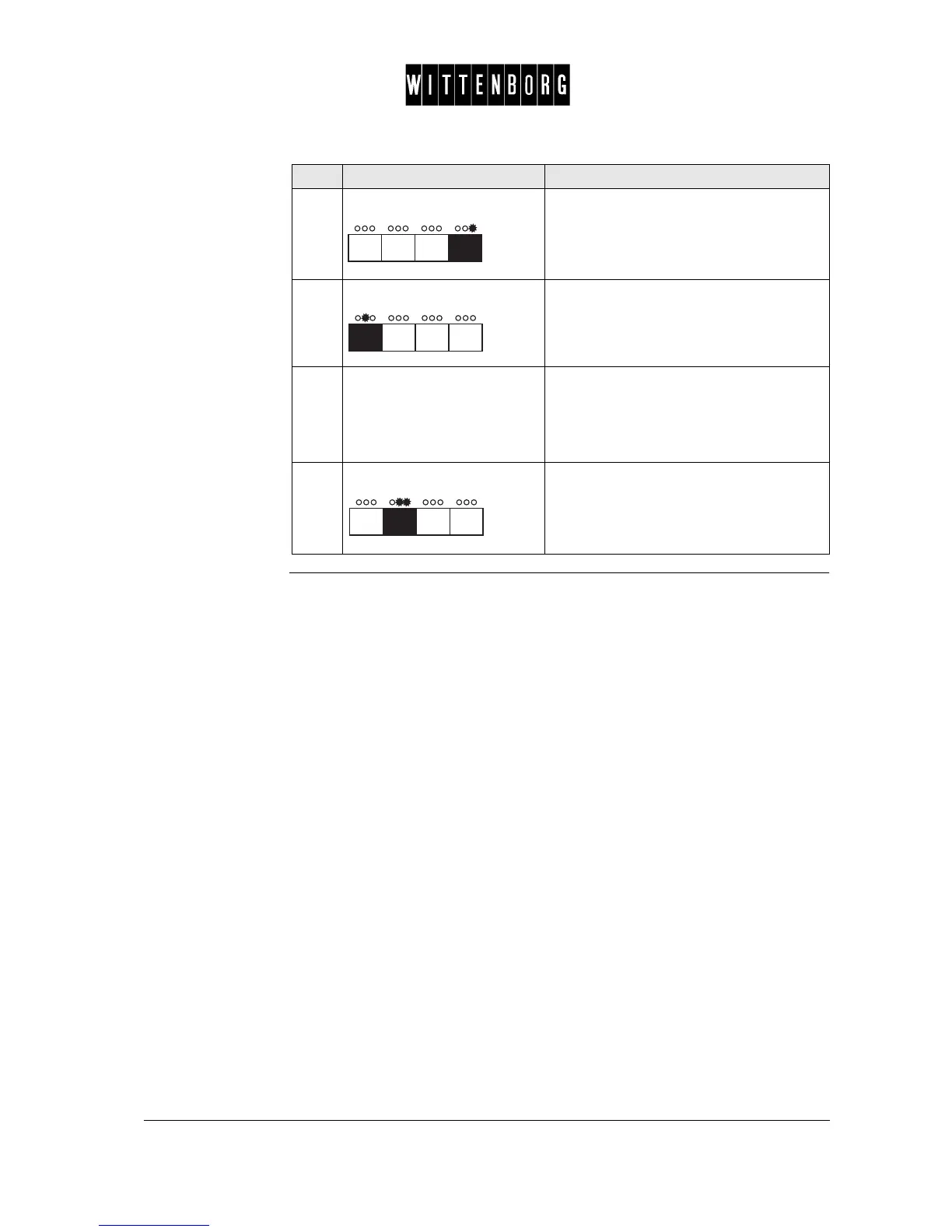
Press: Increases the day.
11.
Press: Accesses time setting.
12.
Repeat steps 3 through 11. Sets the day of the week and time
accordingly.
Note: It is not necessary to set the day of
the week. This is done automatically
according to the date.
13.
Press: Returns to clock option.
Step Action Function



 To Next Page