7
Discount Number The Discount Number option is used to view the total number of happy
hour sales within a period and the total number of sales with key discount.
Disc. Amount The Discount Amount option is used to view the total amount of discount
given from Happy Hour sales and the total amount of discount given from
key discount sales.
Discount Amount option will not be shown, when Price Mode in Service
Setting is set to "Index".
Reset Counters The Reset Counters option is used to reset all the counters.
HH no : x
Key no: xx
Action Function
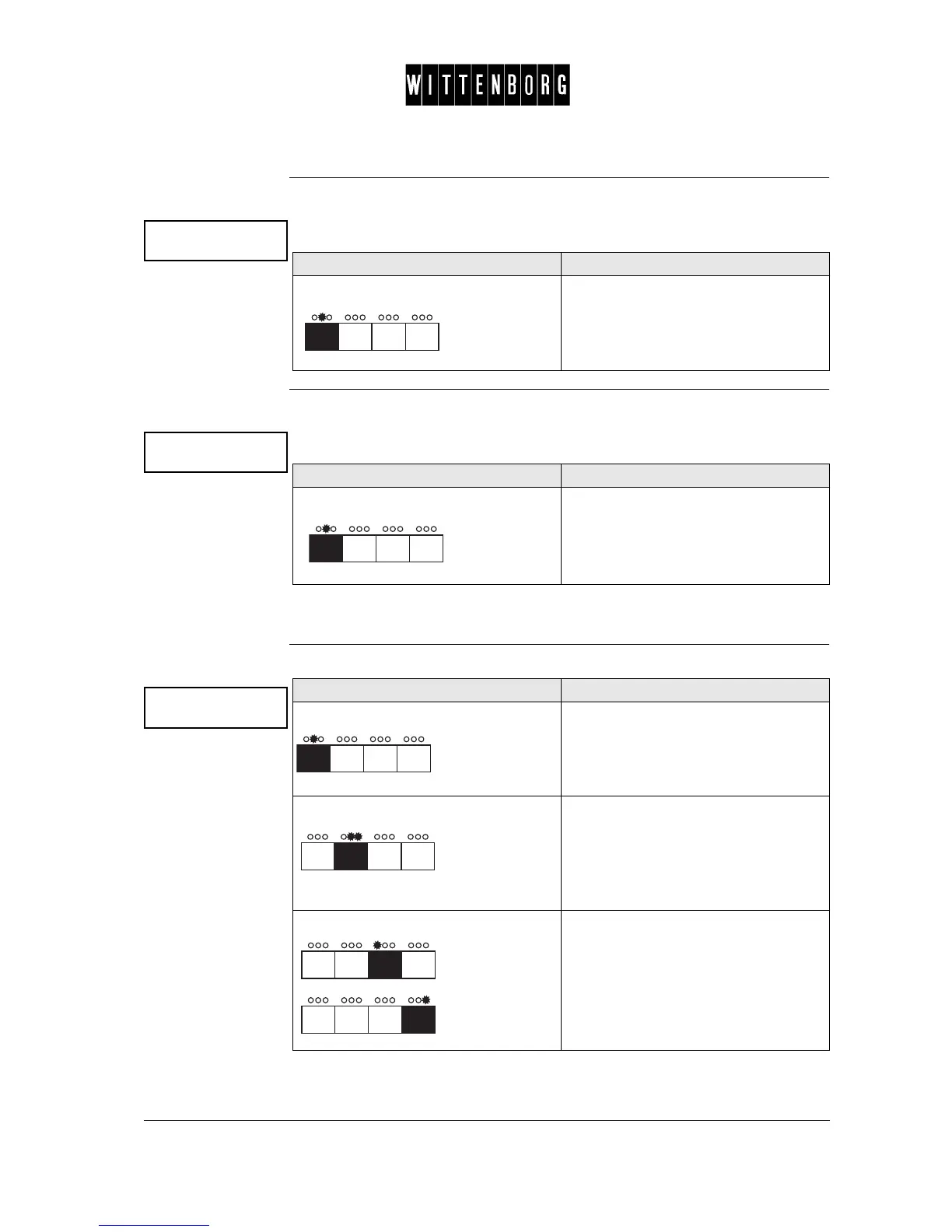
Press The display will show the total number
of dispensed drinks with discount -
happy hour or key discount - since last
resetting (deleting) the counters.
HH disc : x
Key disc: xx
Action Function
Press The display will show the total amount
of discount given and the total number
of drinks dispensed since last resetting
(deleting) the counters.
Reset counters
->
Action Function
Press Accesses the Reset Counter.
Press
and then
Activates the Reset Counters
Press one of the indicated buttons Resets counters.
The program will automatically return to
the Reset Counter option.



 To Next Page