28
4.
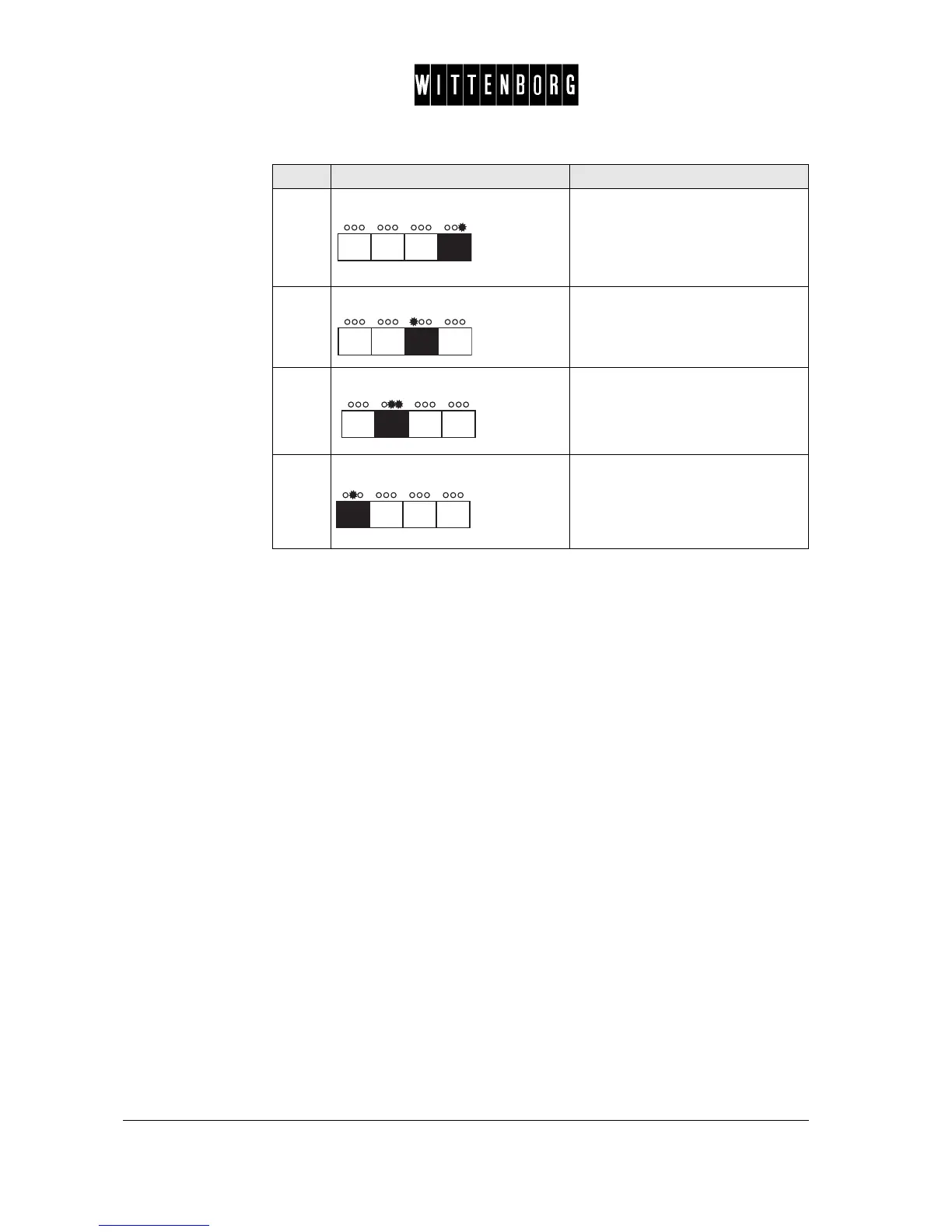
Press: In Vend mode:
Turns the status to "Multi".
In Change mode:
Turns the status to "Credit-> over-
pay".
5.
Press: In Vend mode:
Turns the status to "Single".
In Change mode:
Turns the status to "Keep credit".
6.
Press: Returns to the Vend Mode setting
option.
7.
Press: Accesses the next function "Max
change".
Step Action Function



 To Next Page