31
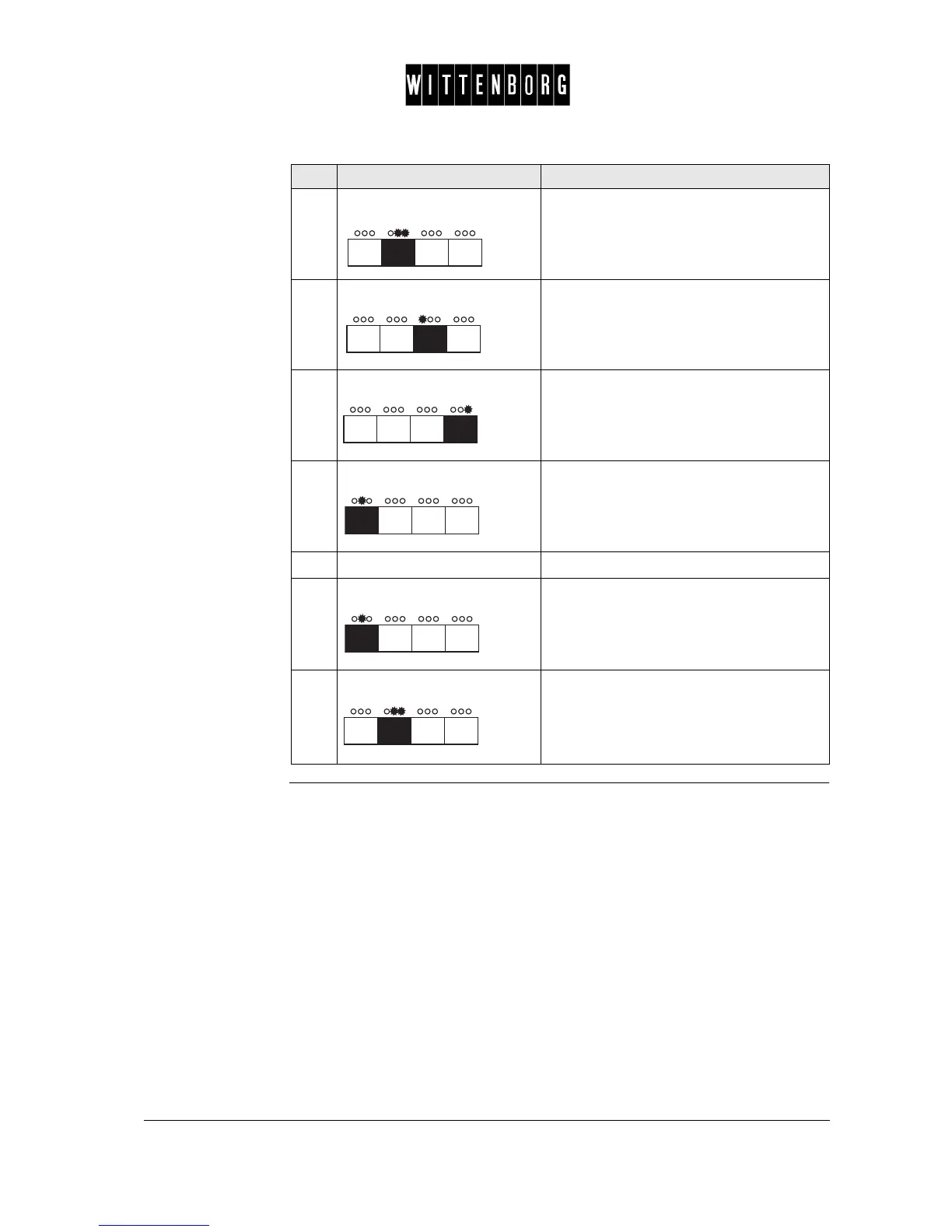
8.
Press: Sets the minutes.
The display will blink ## once and then
show the minutes.
9.
Press:. Decreases the minutes.
10.
Press: Increases the minutes.
11.
Press Sets the stop day and time of the first
period.
(Display = Period 1 stop)
12.
Repeat steps 3 through 11.
13.
Press: Starts setting of the next period.
14.
Press: Returns to the Active Period option.
Step Action Function



 To Next Page