14
NB: This option is not available with Executive coin unit: In that case coins
are paid out from the coin tubes by pressing the coin dispense button on the
coin unit.
Manual Filling The Manual Filling option is used to electronically confirm the amount of
money which has been paid manually into the coin unit. This amount is
then recorded in the Manual Filling counter under “Coin Audit” option:
The sum inserted from normal credit is converted from cash into change.
The coins inserted are distributed to the appropriate tubes in the coin unit.
If the tubes in question are filled the coins are routed into the cashbox.
Manual Filling
Press: <+>
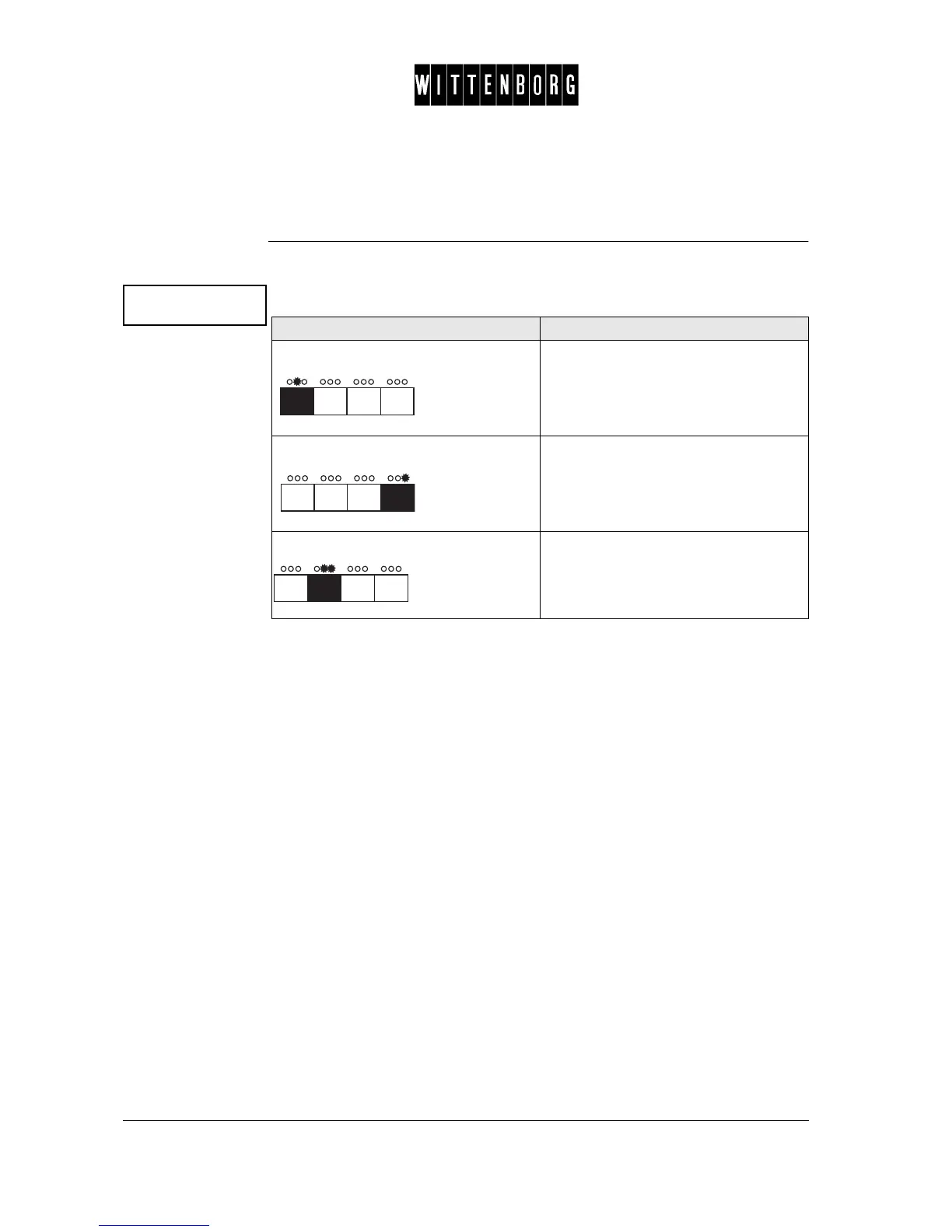
Action Function
Press: Accesses the Manual Filling option.
Press: The amount filled into the coin unit is
recorded and displayed in Manual
Filling counter
Press: Returns to the Coin Action option.



 To Next Page