Gen II User Manual
12-17 – Honeywell Performance Chapter 12 Revision 2.20, 20
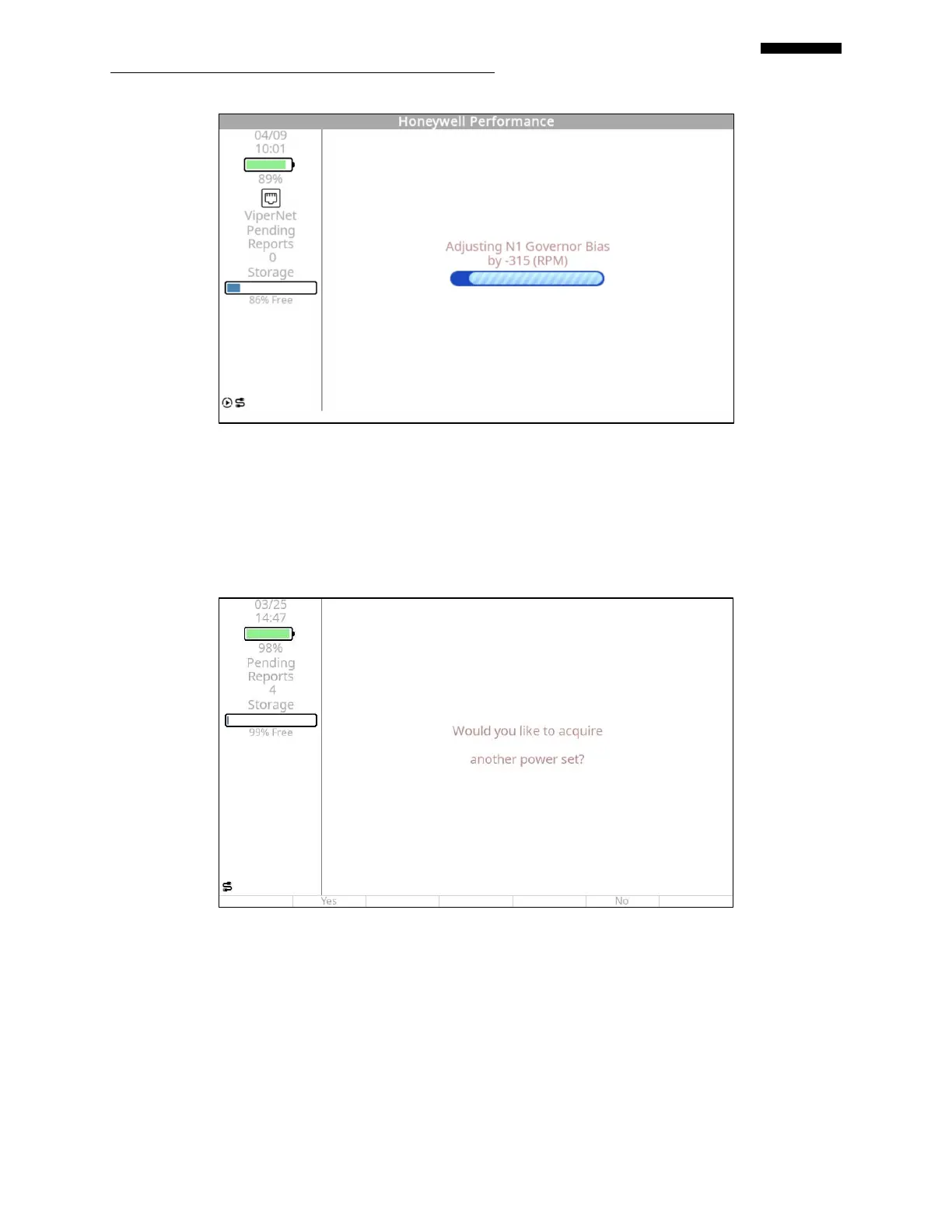
12.1.3.6. The information screen below will be displayed following the collection of data from
the fifth point of a calibration run. A minimum of five points are required, however,
the analyzer will allow you to acquire an additional seven points if you so desire. If
you answer “YES” to the screen below, you must then define the parameters of the
additional points and manually make power adjustments for the additional points,
even when the engine computer is an N1 DEEC.
12.1.3.7. The information screen below will follow the screen above in paragraph 12.1.1.1 if
you answer “Yes” in that screen. In this case, move the PLA to the desired power
point and press the [F5] key to continue collecting data and repeat this process until
all desired data points have been collected. At that point, in the screen above, press
the [F5] “No” key to terminate data collection.


 To Next Page
 Loading...
