Gen II User Manual
4-27 – Propeller Balance Chapter 4 Revision 2.2, Apr 2020
4.1.8. – Balance Solution
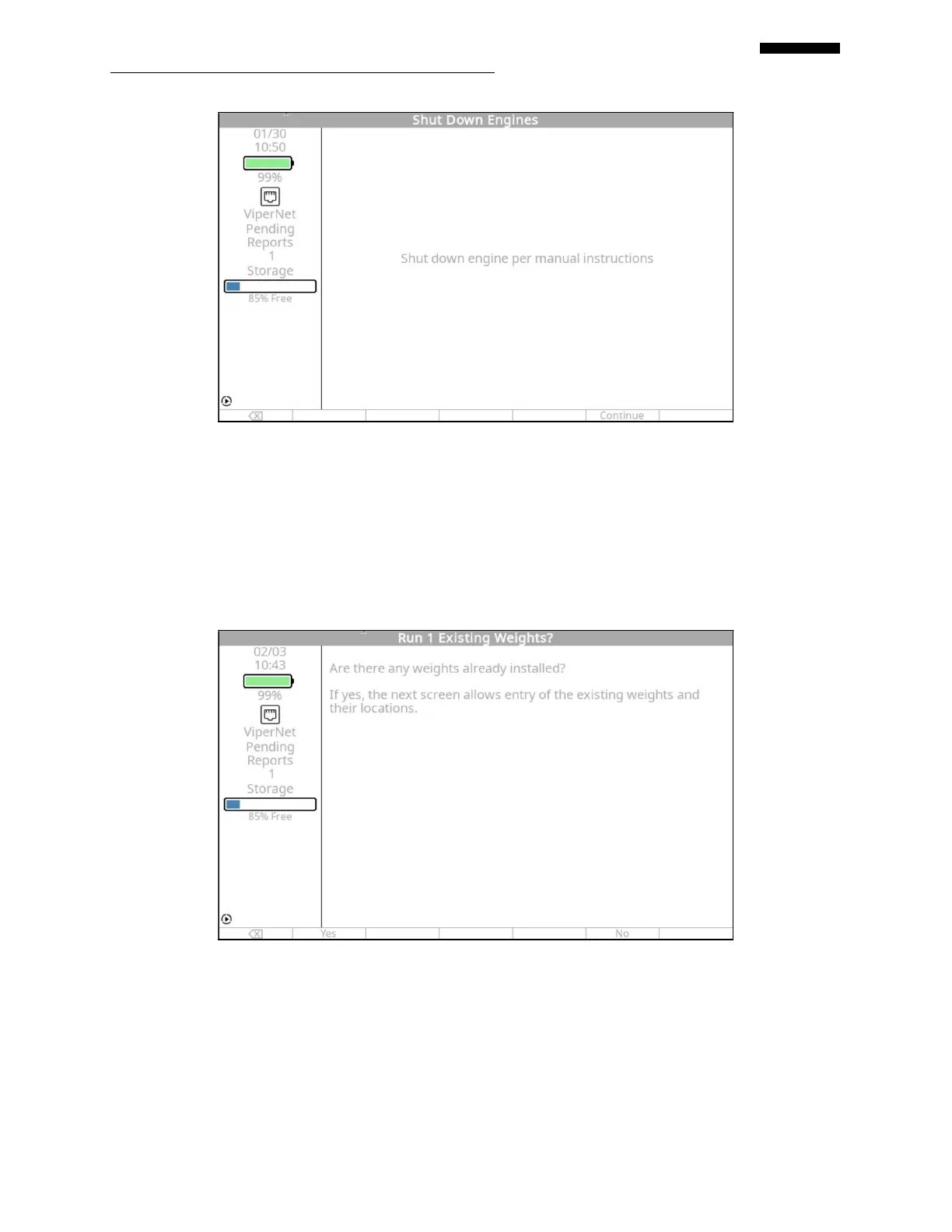
The “Run 1 Existing Weights” screen will appear based on the selection made in step 4.1.1.1.7
above, ONLY after Run #1 andIF the “Holes:” field was set to “Yes”. This is a feature that will
allow the existing trim balance weights to remain on for the data collection phase of the job on
the first run. This option will only be available if “Holes:” field was selected to “Yes”.
If the previous trim balance weights were left on, press the [F1] “Yes” key. This will produce the
“List Run 1 Existing Weights” screen as shown below. Enter the total amount of weight, in
grams, that is installed at each hole location in the “Grams” column. Using the [] key, enter in
the hole number as defined in step 4.1.1.4.6, in the “Hole” column. When all existing weights
have been entered press the [OK] key.


 To Next Page
 Loading...
