9500 MXC User Manual
3DB 23063 ADAA - Rev 004 July 2007 Vol. IV-2-11
5. Click
Properties.
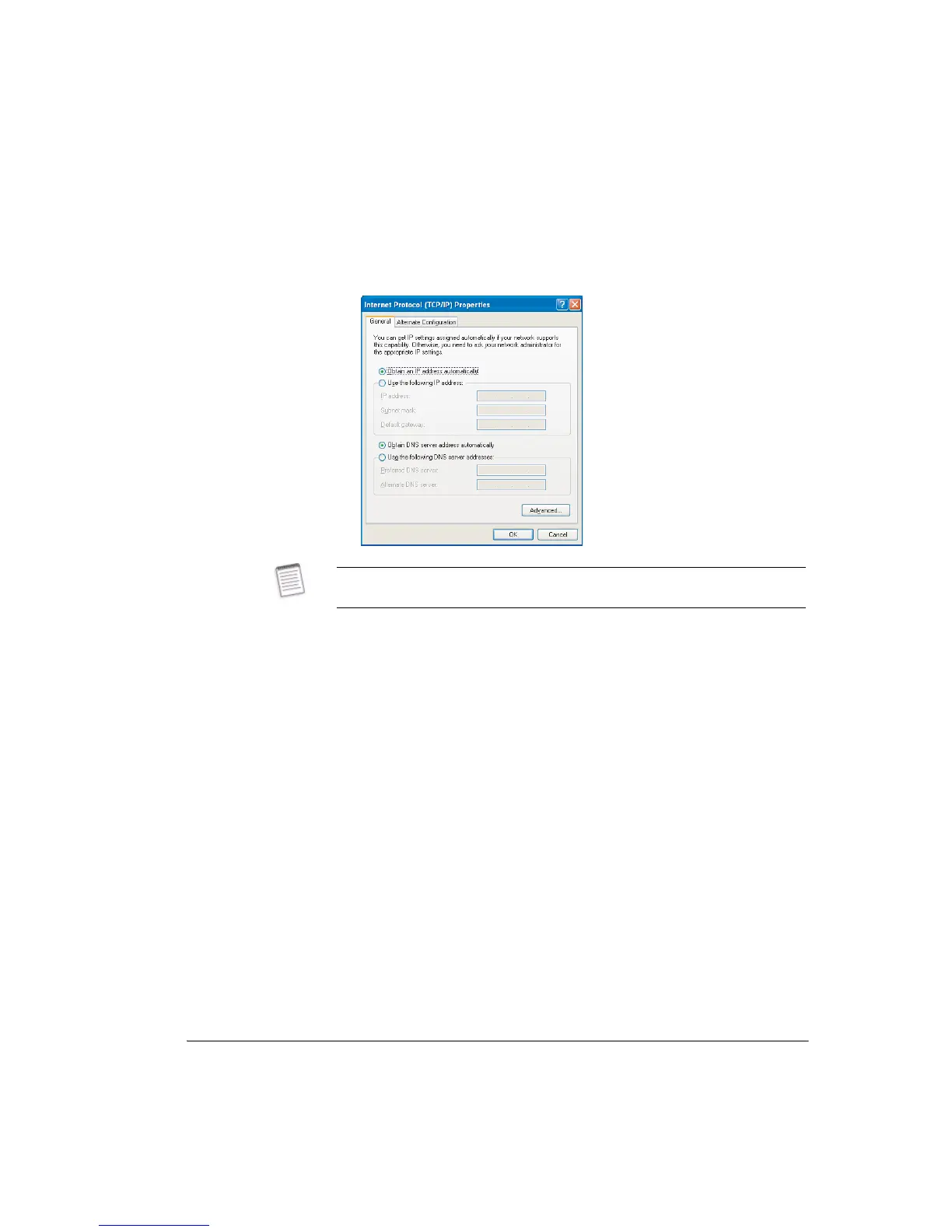
The Internet Protocol (TCP/IP) Properties window is displayed.
6. Select Obtain IP Address Automatically and Obtain DNS Server Address
Automatically, as shown in the window above.
7. Click
OK, then OK again to confirm the settings, and exit.
Next Step
Starting 9500 MXC CT on page 2-19.
Setting Up 9500 MXC CT Connection Using V.24
Two procedures are described, one for a PC fitted with a DB-9 serial COM port,
and one for a PC fitted with a USB port.
Laptops running Windows XP generally have a USB port rather than a DB-9
serial COM port. With a USB port, an external 3rd party USB-to-serial adaptor is
required.
Setting up your 9500 MXC CT PC to connect to a 9500 MXC Node or Terminal
using V.24 connection involves:
• Setting Up a V.24 Connection via a DB-9 Serial COM Port on page 2-12
OR
• Setting Up a V.24/RS-232 Connection via a PC USB Port on page 2-15
Before making any change to the settings in this window, record and retain the
existing settings, which may pertain to your company LAN.



 To Next Page