Chapter 5. Reports
Vol. IV-5-2 Alcatel-Lucent
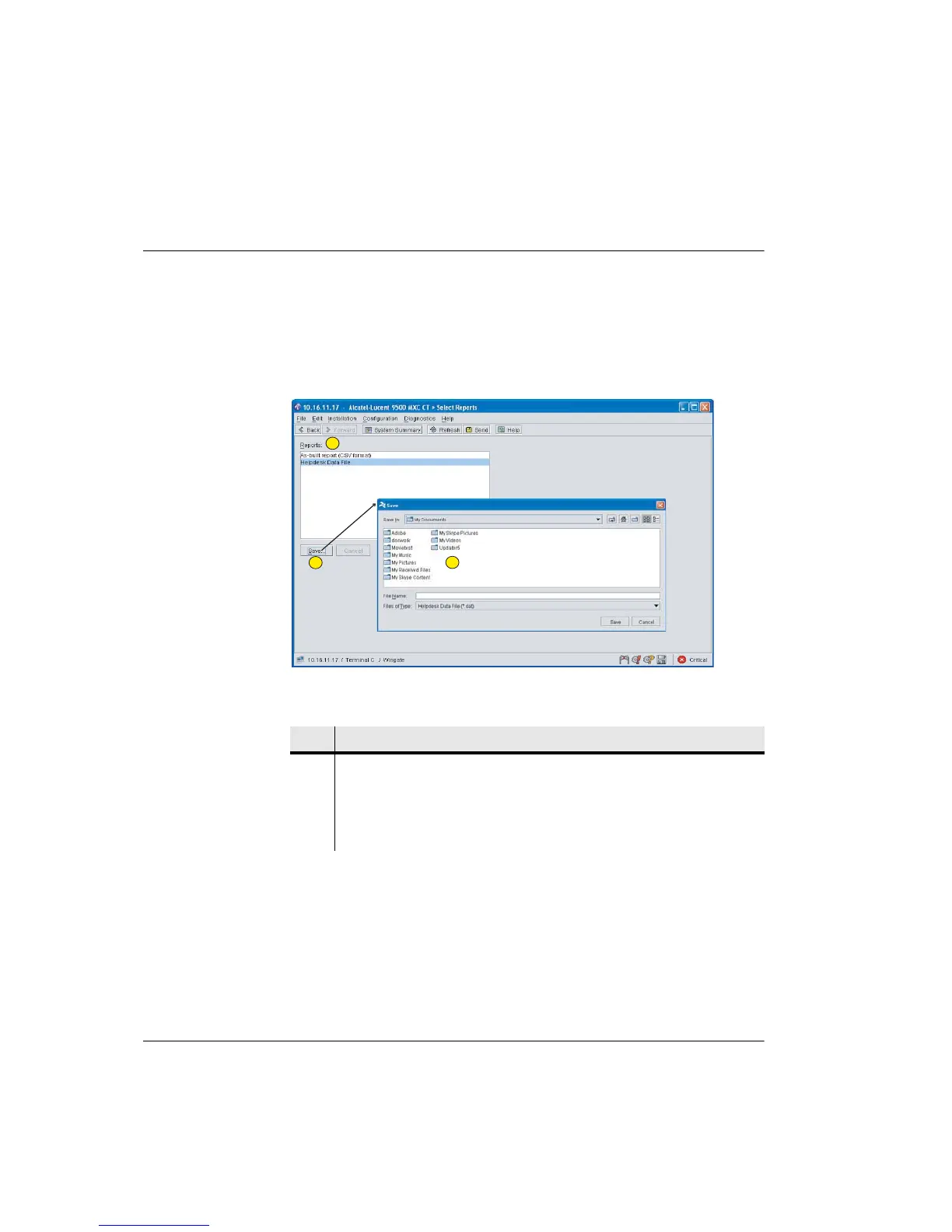
Reports Screen
Refer to:
• As Built Report on page 5-2
• Helpdesk Data File on page 5-3
Figure 5-1. Reports Screen
Table 5-1. Reports Screen: Navigation
As Built Report
Once saved to your PC the report can be opened for viewing and editing in Excel.
There are both defined, and not-defined entries:
Defined Entries
Defined entries are those which have data read into them from the Node/
Terminal.
Item Description
1 Click to select the required report type.
2 Click Save to open a Browser on your PC.
3 Select an appropriate directory, enter a file name and click Save within the
Browser window.
1
2
3



 To Next Page