9500 MXC User Manual
3DB 23063 ADAA - Rev 004 July 2007 Vol. IV-15-19
History / Reports Screen: RACs
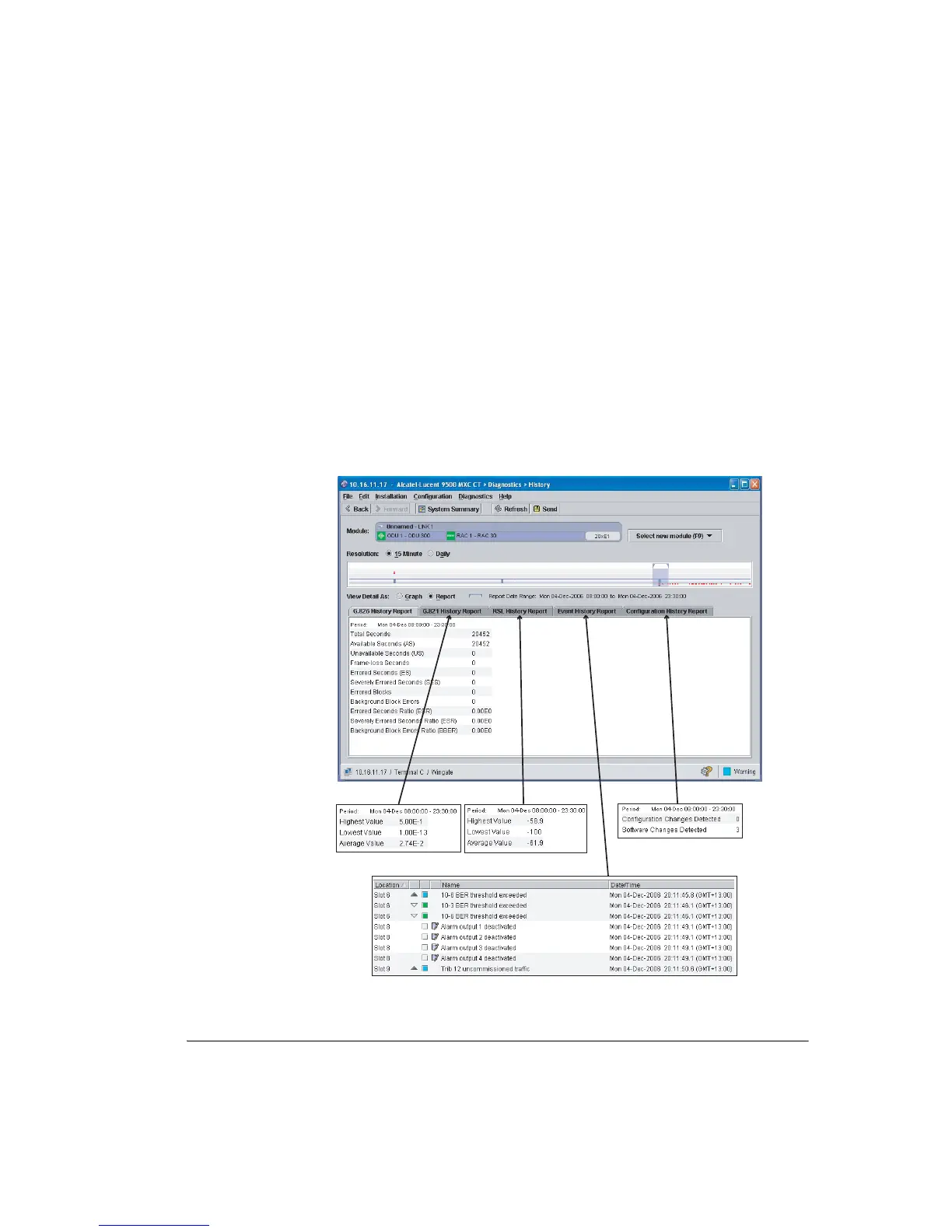
The Reports screen provides summary data over a user-selectable period for
G.826, G.821, RSL, Events, and Configuration Changes. G.826 is the default. See
Figure 15-7.
• Stay with the report range set in the Graph view, or select a report range in the
Complete History view. To select a range, left click within the view and drag to
the left or right.
• Click a tab to select a report type. Figure 15-7 shows selection of G.826
History.
Figure 15-7. Example Report Screens Within History



 To Next Page