9500 MXC User Manual
3DB 23063 ADAA - Rev 004 July 2007 Vol. V-2-11
INU/INUe LEDs
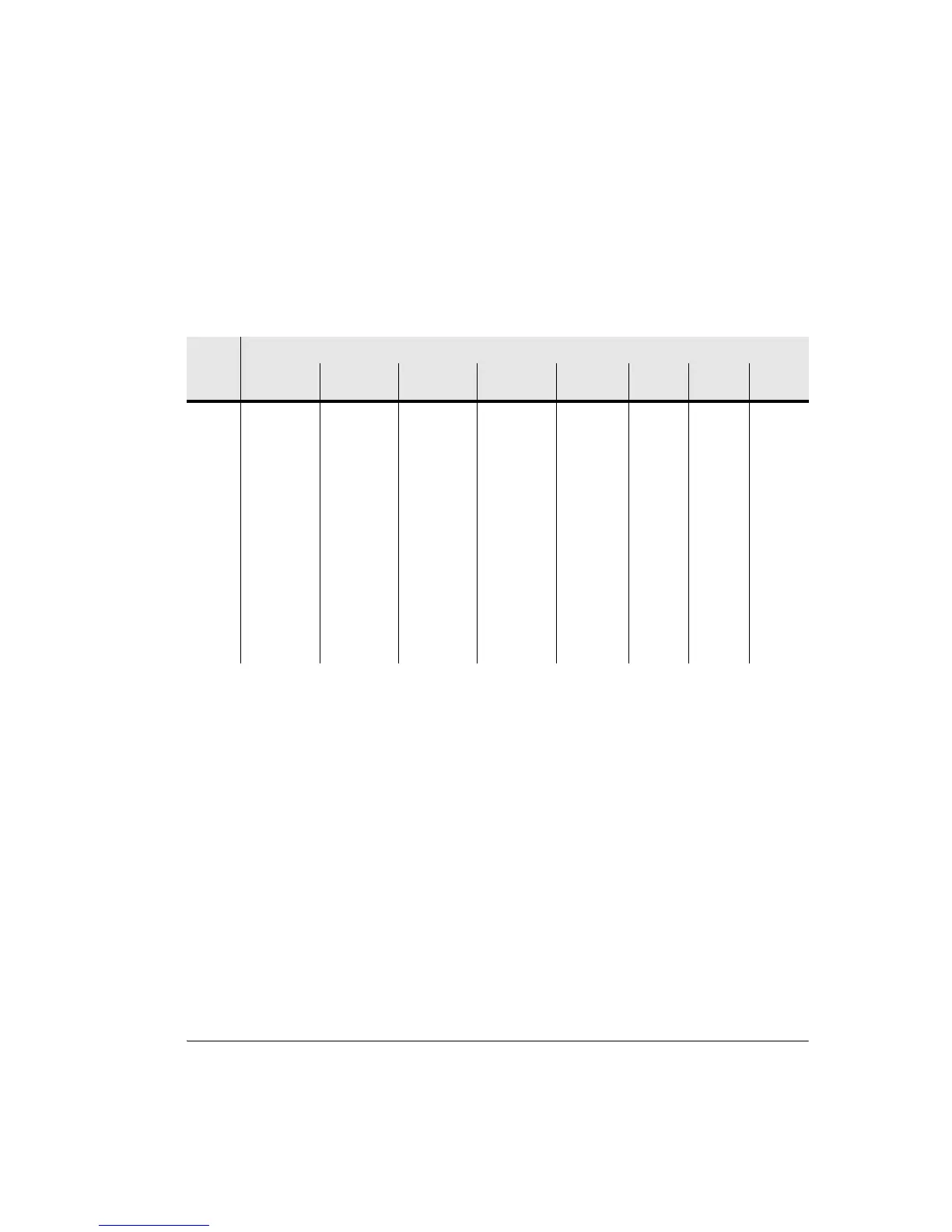
Table 2-1 summarizes INU/INUe LED behavior. Empty cells in this table
indicate that the associated LED state is not used.
Table 2-1. INU/INUe LED Alarm Table
The event used to trigger an LED is generally at a higher (summary) hierarchy
level than that available within the CT Alarms screen. For example, an NCC
status alarm can be triggered by a component failure, but to get detail on what
component failed, recourse to CT is required.
One or multiple alarms may trigger an LED. For example, an NCC status alarm
can be triggered by a component failure, or power supply failure, or TDM clock
failure.
Table 2-2 maps LED alarm indications for INU/INUe plug-ins against possible
causes and recommended actions.
• Where recommended actions states CT should be used to see alarm details,
refer to CT Alarms on page 2-16.
LED
State
LED
NCC Status NCC Test DAC Status
AUX Status
RAC Status RAC
Online
NPC
Status
NPC
Protect
FAN
Off
(unlit)
INU/INUe
power off
INU/INUe
power off
INU/INUe
power off
INU/INUe
power off
INU power
off, or ODU
is muted and
RAC is not
driving the
TDM bus
INU/
INUe
power off
Off-line Normal
operation
Green Normal
operation
Normal
operation
Normal
operation
Transmitter
is online, or
RAC is
driving (Rx)
the TDM bus
Ready to
protect
On-line
(driving
TDM bus
clock)
Orange
Flashing
Configuration
corrupt or not
supported, or
incompatible
software
Diagnostic
(test) mode
active
Configuration
corrupt or not
supported, or
incompatible
software
Configuration
corrupt or not
supported, or
incompatible
software
Red Critical alarm Critical alarm RAC or ODU
critical alarm
No Rx signal
from ODU
Critical
alarm
Critical
alarm



 To Next Page