Chapter 10. Networking Configuration
Vol. IV-10-16 Alcatel-Lucent
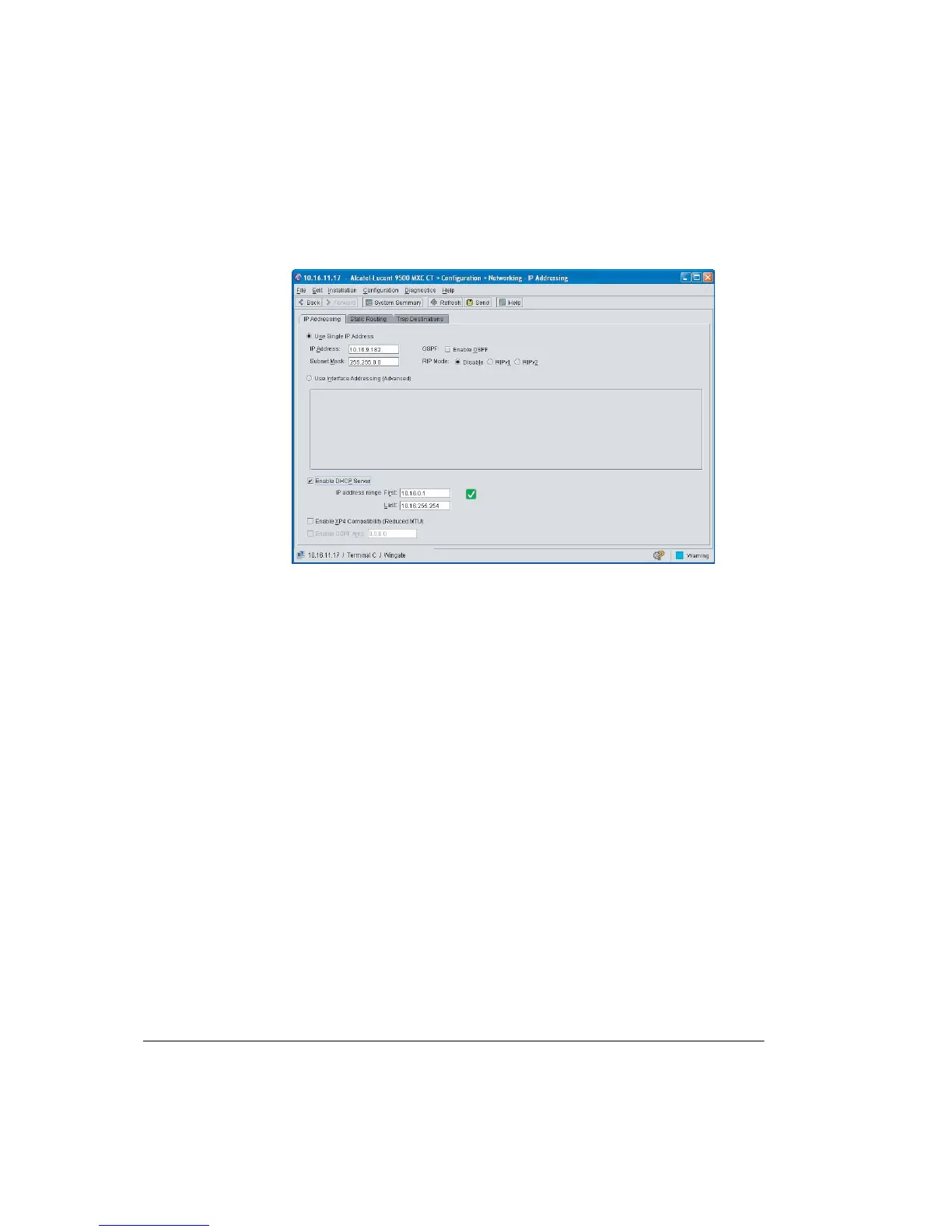
Figure 10-5. DHCP Server Configuration
Procedure
1. Click Enable DHCP server and check the check-box to the right side of the
address range entry lines.
• If green-ticked it indicates a valid address range; if red-crossed, an invalid
address range.
2. Review and if necessary adjust the IP address range.
• The range would normally start with the next LAN IP address after the
server address (the IP address of the radio).
• Where two or more 9500 MXC devices are on the LAN and are DHCP
enabled, ensure the LAN address range for each device is non-overlapping.
• Valid examples for single terminals:
9500 MXC Ethernet IP address: 192.168.0.1 (255.255.255.0)
First: 192.168.0.2
Last: 192.168.0.10
9500 MXC Ethernet IP address: 10.16.11.1 (255.255.0.0)
First: 10.16.11.2
Last: 10.16.11.11



 To Next Page