9500 MXC User Manual
3DB 23063 ADAA - Rev 004 July 2007 Vol. IV-15-21
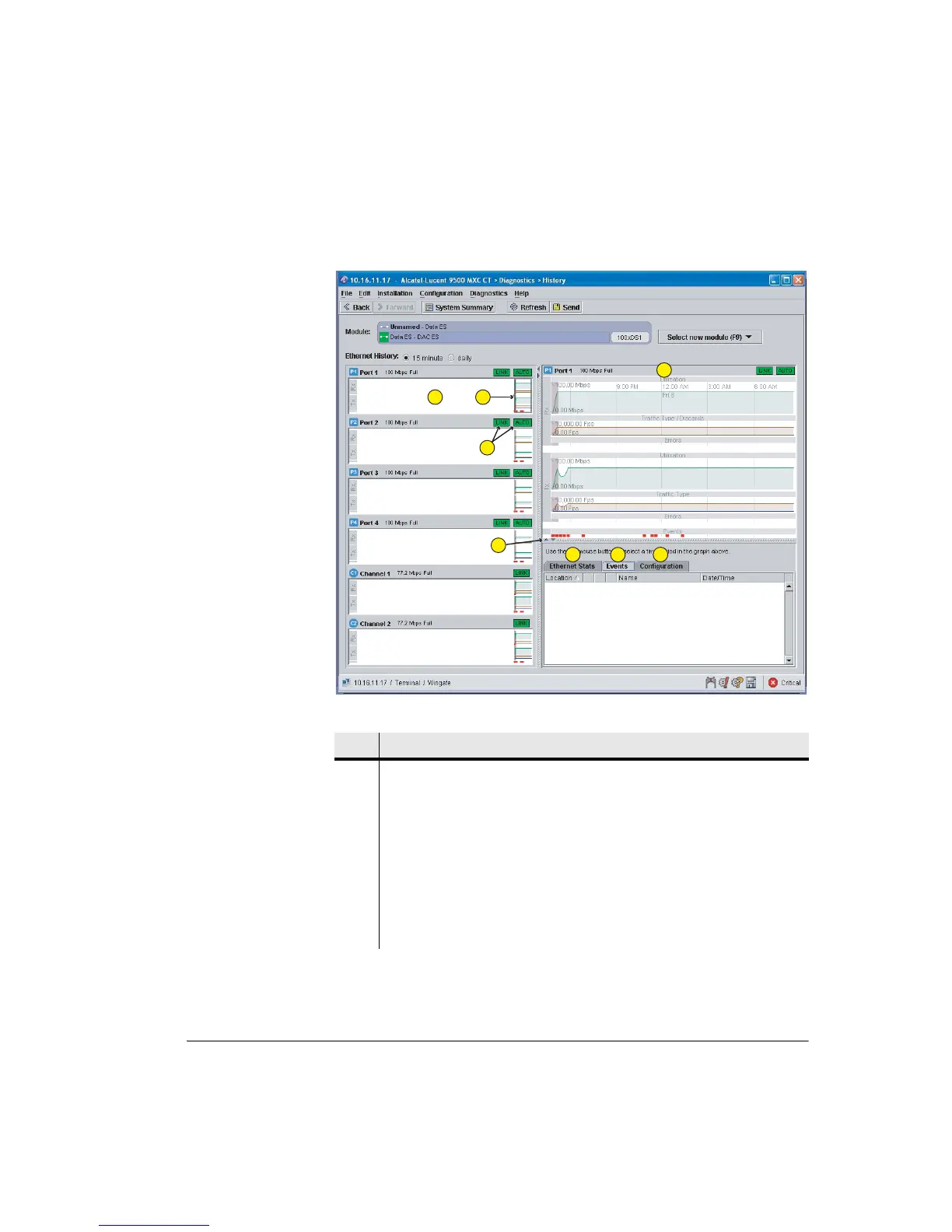
Figure 15-8. History Screen: DAC ES
Table 15-2. Ethernet History Screen Function
Item Description
1 Port/Channel summary windows. Data is displayed from right to left in time
order. See Item 2. Higher resolution data for the selected port/channel is
displayed in the Detail window to the right, see Item 3.
The example shows data collection for a period of approximately 12 hours.
Data is collected (binned) from the time an INU/INUe/IDU is powered on.
Statistical data is lost when the -48 Vdc supply is turned off, or when a new SW
version is loaded.
• Double click within a port/channel window to have its data displayed in the
Detail window.
1
2
3
4
5
6
7
8



 To Next Page