ST80 Masterview Operation and Setup
119
D2307-1
Advance to next chapter or
press for 1 second to enter
illumination adjustment.
Next page or press for 1
second to return to previous
page.
Display offset adjustment
keys.
masterview
P
- 1.5 S
S
SET- UP
COMPASS
067
OFFSET
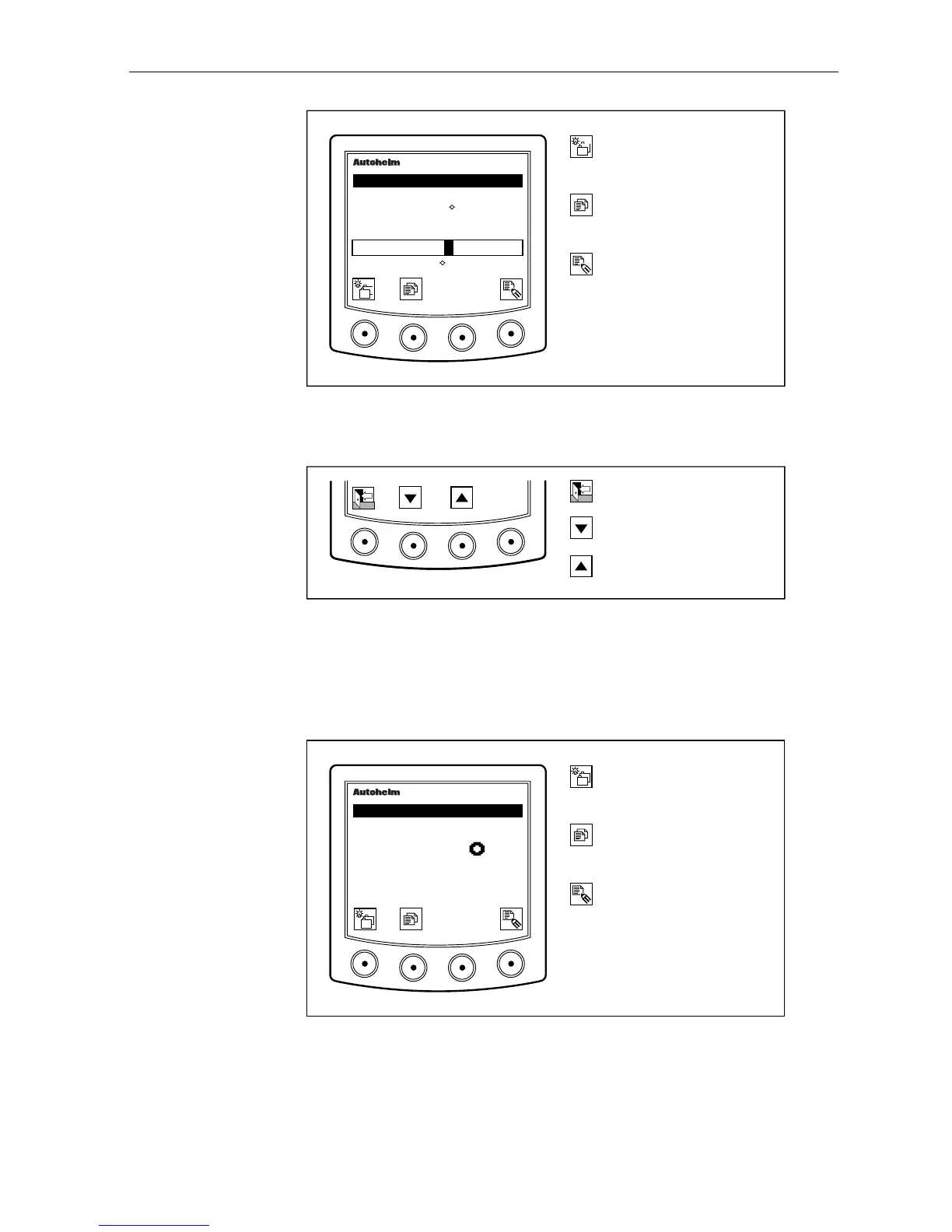
Adjusting the Offset
Press the right hand key to display the offset adjustment icons.
D2214-1
Exit offset adjustment.
Decrease offset.
Increase offset.
Use the up and down keys to adjust the offset to match the transit. On
completion, press EXIT to return to the main offset page.
Variation
The variation page displays the currently stored variation value.
D2642-1
Advance to next chapter
or press for 1 second to
adjust illumination.
Next page or press for 1
second to return to previous
page.
Display variation adjustment
keys.
masterview
SET- UP
VARIATION
WEST
05
• If variation has not been set, dashes replace the variation value.
• If a value for variation is received via SeaTalk, this value is stored as
the current value.



 To Next Page